 Web HostingBudget-friendly shared hosting plans
 Domains SearchFrom .com to unique country domains, explore and register extensions worldwide.
 WordPress HostingPower your blog or business with WordPress hosting.
 Email HostingSimple, secure email hosting that helps you stay connected and professional.
 Reseller HostingStart your own hosting business with easy and reliable reseller hosting plans.
 AffiliateJoin our affiliate program and earn commissions every time you bring in new customers.
 cPanel HostingHosting powered by cPanel, the world’s most user-friendly control panel.
 Windows HostingBuilt for Windows applications and websites
 IN Domain PricesDon’t miss out on the best domain deals in India!
 WHOIS LookupFind out who owns a domain name with a quick and easy WHOIS search.
 Domain TransferTransfer your domain to us and enjoy reliable support every step of the way.
 .Com DomainGet the most trusted domain for worldwide credibility
 All TldsSearch and register domain extensions worldwide.
 SSL CertificatesProtect your website with trusted SSL certificates and keep customer data safe.
 VPS HostingPowerful virtual servers. Full root access. Reliable uptime.
 Managed VPS HostingNot a tech expert? Choose our fully managed VPS service.
 Dedicated ServersTake full power and total control of your own physical server.
 AI Website BuilderCreate stunning websites instantly with our easy AI builder.
 Online ShopBuild your eCommerce store easily, no coding, just growth.
 Web Design ServicesGet a website built for your brand and designed for your goals.
 Contact UsReach out to us for support or questions.
 SupportGet answers and how-to guides for all our services.
 BlogRead our latest blogs on web hosting, online business, digital marketing, and other helpful topics.
Start selling online now
A complete eCommerce platform to run your whole online business.

-
Integrate with WhatsApp
-
Ready for mobile payments
-
Tools to sell on social media
-
Add unlimited products
-
Hosting included at no cost
-
Connect to social platforms
-
Accept payments from 15+ gateways
-
Product categories and stock tracking
-
Simple, custom menus
-
Add custom product details
-
100+ ready-made store themes
-
Create unlimited landing pages
Beautiful templates for your website
Website builder Hobby
Save 16%
₹
79.17
/mon
Select
₹79.17/mo when billed annually.
- 1 AI Powered website
- ~10k visitors/month
- 0 Free domain (yearly)
- Launch up to 1 online shop
- Manage1 Social Media Accounts
- Limited access to Marketing Suite (Forms. Emails, Analytics)
- 0 Business Emails
- 1 Google Business Profile Audit
- 100 Marketing contacts
- Automated Drip Campaigns, website Forms, Contacts & Segments
Website builder starter
Save 57%
₹
285
/mon
Select
₹285/mo when billed annually.
- Free domain name for 1 year
- Unlimited Storage
- Ticket & Live Chat support
- SEO & Marketing tools
- Remove OLITT branding ads
- Social Media Integrations
- HelpDesk/Livechat Integrations
Website Builder Business
Save 33%
₹
1258.75
/mon
Select
₹1258.75/mo when billed annually.
- Everything in Pro
- 50GB Storage
- Unlimited Forms
- 2000 Contacts
- 7 Business Emails
Hire Developer
Save 0%
₹
10395
/mon
Select
₹10395/mo when billed monthly.
- Customer Provides Content (Text, Images, Videos)
- Fast Website (7 pages)
- Social Media Integration
- Whatsapp Chat feature
- SEO Optimized, Rank on Google
- Social Media Integration
- Whatsapp Chat feature
- SEO Optimized, Rank on Google
- Easy to Maintain
E-COMMERCE WEBSITE
Save 0%
₹
31395
/mon
Select
₹31395/mo when billed monthly.
- 5 main pages + full online shop with its pages
- Upload of up to 20 products
- Shopping cart + order notifications
- Payment gateway integration (up to 2 method)
- Customer account system (basic)
- Mobile-responsive & clean UI
- Basic SEO optimization
- Analytics & reporting setup
- Wishlist option (optional)
- Discount & coupon system
- Inventory control (basic)
- Product categories & tags
- Standard checkout process
- Free SSL setup
- Basic security setup
- After delivery one week support
- 2 revision cycle
Why Truehost?
-
Trusted by Indian businesses, with a local focus that supports your market and customers.
-
Reach support by phone, chat, or WhatsApp whenever you need help, with quick response times.
-
Enjoy built-in hosting on fast, dependable servers located in India for low latency and reliable performance.
-
Straightforward, transparent pricing, no hidden costs, no unexpected charges.
-
Easy-to-use tools designed to scale as your business grows, from setup to expansion.
-
Build mobile-friendly stores that look professional and work smoothly across phones, tablets, and desktops.
-
Take card payments and local options
-
Get your .in domain free for the first year, helping you establish your Indian online presence right away.
How to Set Up Your Store with Olitt
1)Pick a plan and add your domain
Choose the plan that works for you (we suggest starting with Website Builder Pro).
Use a domain you own or get a new one.
2) Begin building your store
After your account is active, log in and launch the Website Builder.
You’ll have all the tools to customize and run your store.
3) Design Your Store
Use the easy drag-and-drop editor to:
- Upload your logo and set your brand colours
- Add product photos and details
- Set prices and track your inventory
- Arrange products into categories and menus
- Personalise your page designs and layouts
4)Set Up Payments & Shipping
Set up your payment options in the dashboard:
- Enable local payment methods
- Add PayPal for international sales
- Accept credit and debit cards
Configure your shipping:
- Set up delivery zones and costs
- Offer pickup, local delivery, or courier services
5) Launch & Promote Your Store
Click Publish to go live. Then:
- Share your store link on social media
- Connect to Facebook and Instagram
- Announce your launch on WhatsApp
Your online store is now open for business!
Perfect For:
-
Retailers – fashion, home decor, beauty
-
Freelancers – designers, writers, consultants
-
Online Sellers – electronics, fashion, collectibles
-
Social Sellers – Instagram, TikTok shops
-
Creators & Coaches
-
Dropshippers – selling within Australia and globally
-
Non-Profits – accepting online donations
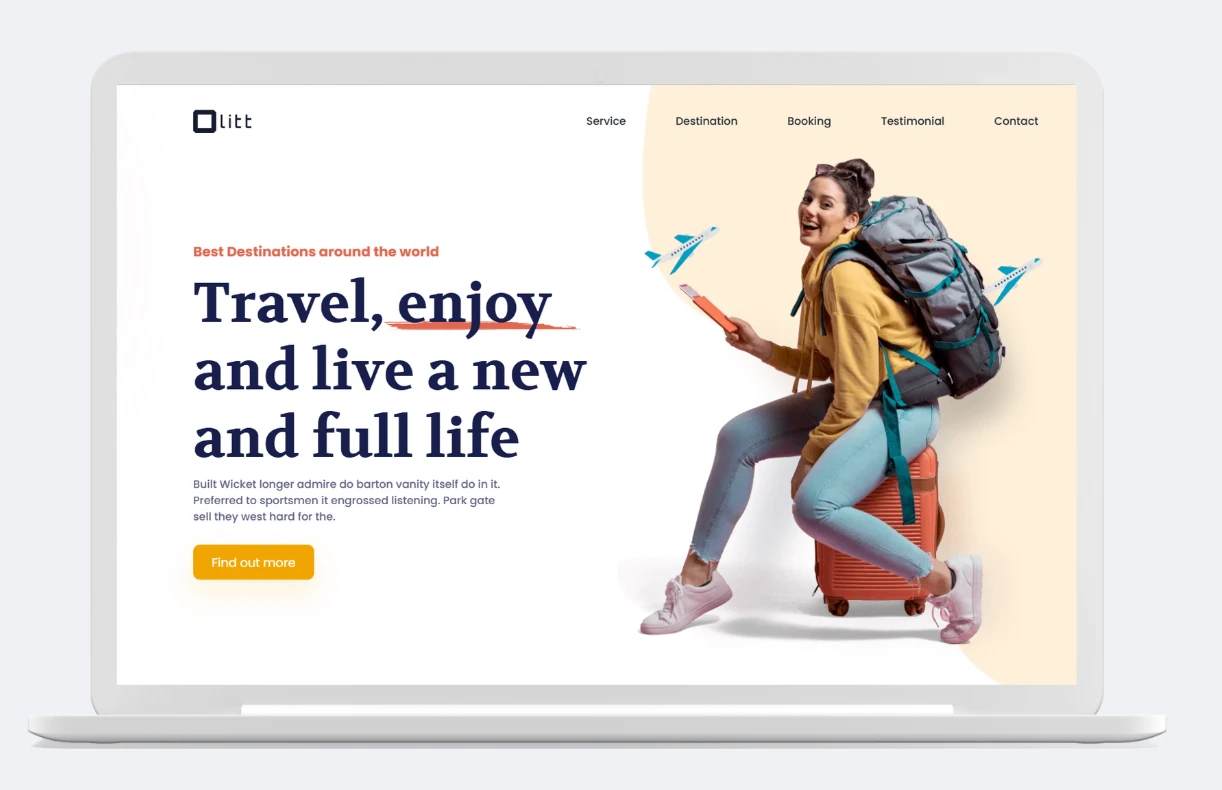
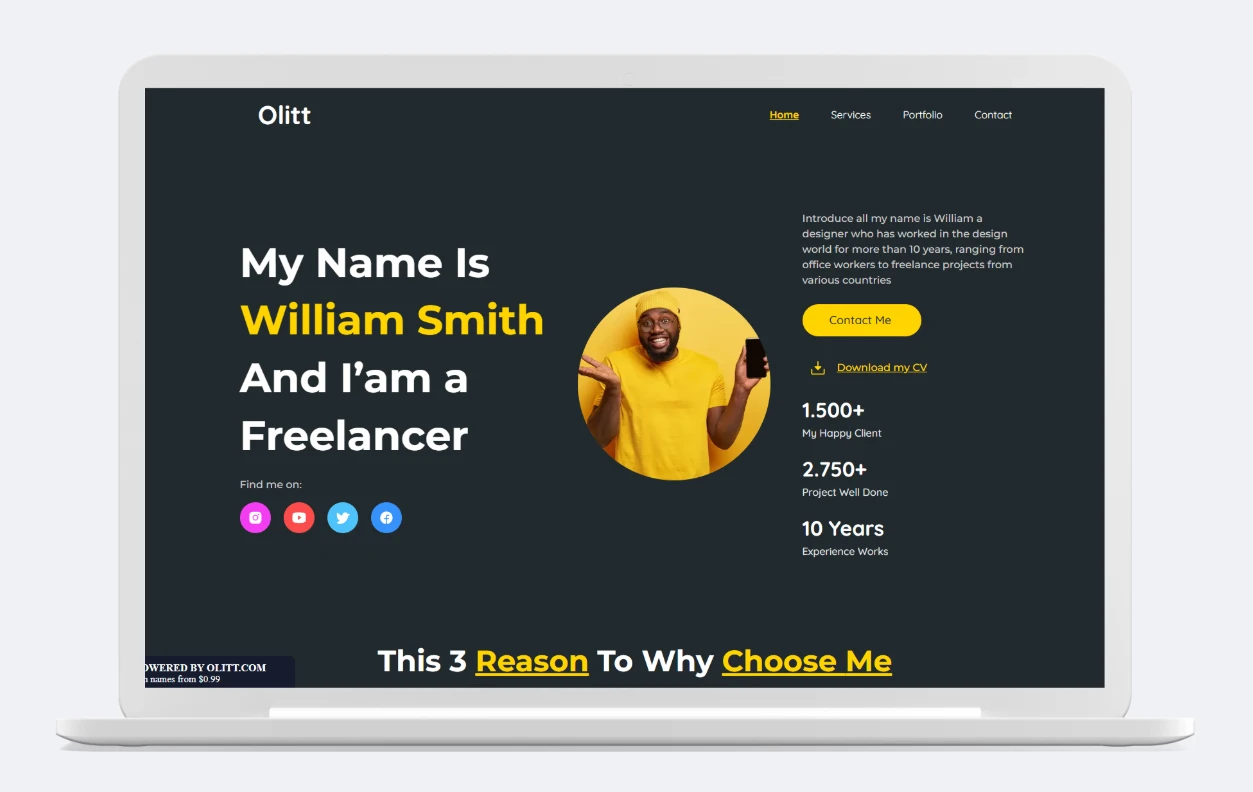
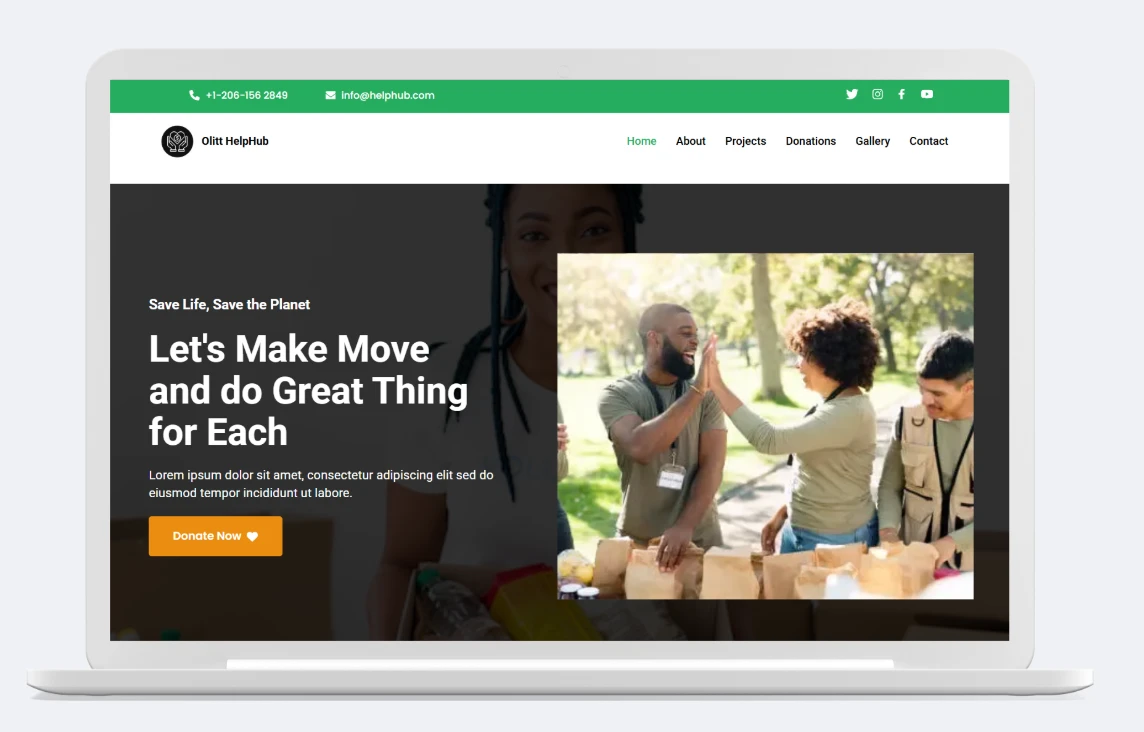
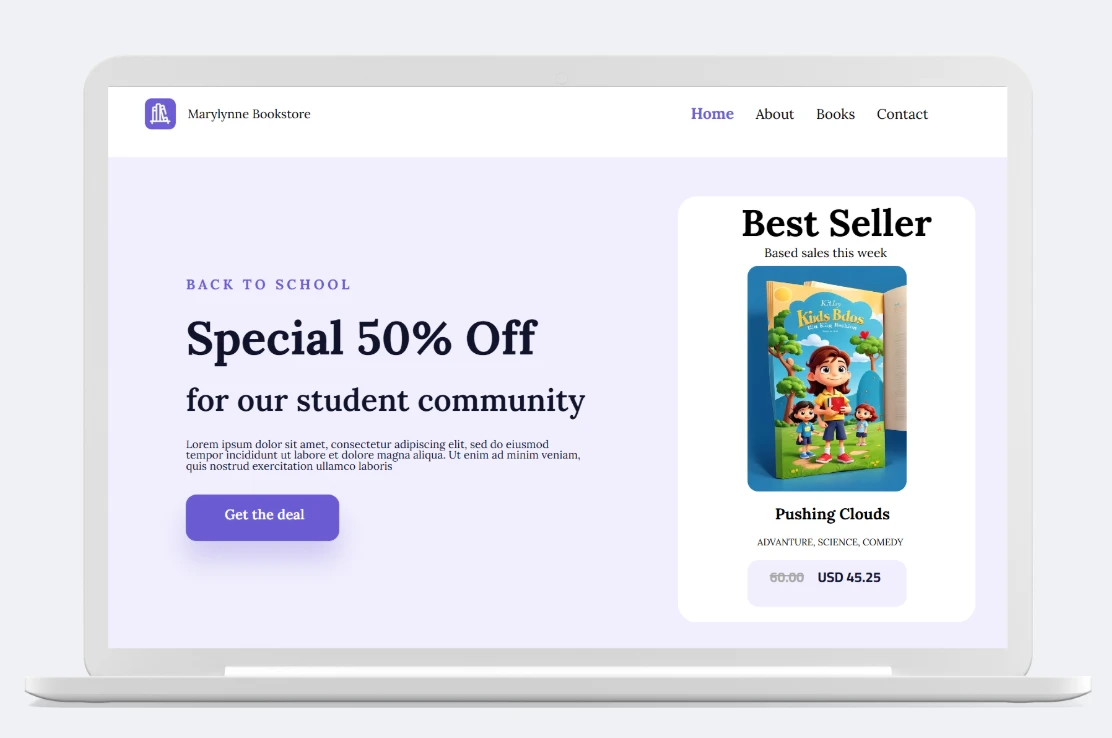
100+ Professional Website Templates, Ready for Any Business
Connect & Grow Your Business
Take your online store further with powerful tools and services, all managed from your Truehost dashboard.
-
Local & Mobile Payments: Accept bank transfers and quick mobile payments
-
Cards & Online Payments: Add safe payment options like PayPal, Stripe, and Square
-
Email Marketing: Sync customers with Mailchimp, Sender, or ConvertKit
-
Social Commerce: Set up and run shops on Facebook, Instagram, and TikTok
-
Tracking & Analytics: Watch sales and activity with Google Analytics & Tag Manager
-
Customer Support: Use live chat and messaging through WhatsApp or Tawk.to
-
Shipping & Delivery: Work with top Indian courier companies
-
Automation & CRM: Simplify tasks using Zapier and webhooks for orders and customer follow-ups
Online Store FAQs
What is an online store in India?
An online store is a type of e-commerce business that allows consumers to purchase products or services over the Internet in India. Online stores in India can either be brick-and-mortar businesses that have an online presence, or they can be strictly online businesses.
Many online stores in India are operated by small businesses, but there are also a number of large, well-known online retailers, such as Amazon and eBay.
Consumers often choose to shop online because it is convenient and easy to compare prices between different retailers.
Online shopping also offers a wider selection of goods than what is typically available in brick-and-mortar stores. In addition, many online retailers offer free shipping on orders over a certain amount, which further entices consumers to shop online instead of in physical stores.
What are the benefits of an online store in India?
In India, an online store has many benefits. First, it is a convenient way to shop. You can shop from the comfort of your own home and have the items delivered to your door.
Second, an online store offers a wide selection of products. You can find anything you need without having to leave your house. Third, an online store is a great way to save money.
You can find deals and discounts that you would not be able to find in a brick-and-mortar store.
Finally, an online store is a great way to support local businesses. By shopping at an Indian online store, you are supporting businesses that are based in India.
What makes Truehost different from other online shop builders?
Other platforms like Shopify or Wix often bill in USD and add extra charges, but Truehost provides a clear local solution with one straightforward annual payment in INR.
Here’s what we do differently:
Easy Local Payments – Accept bank transfers and credit cards
Keep More of Your Earnings – No transaction fees on your sales
Built for Indian Businesses – Tailored to local shoppers and markets
Genuine Local Support – 24/7 help from a team that understands Indian e-commerce
Everything in One Place – Free SSL, hosting and business email included
No confusion, no hidden charges. Just a smarter, more affordable way to build your online business in India.
What are some things to consider before setting up an online store in India?
Setting up an online store in India can be a great way to reach a large market. However, there are a few things to consider before taking the plunge.
First, it is important to research the Indian ecommerce market and understand the potential customer base. What products or services are they looking for? How much are they willing to spend? What do they value most in an online shopping experience?
Second, consider the logistics of setting up and shipping to India. Are there any restrictions on what can be shipped into the country? What is the best way to get products to customers in a timely and cost-effective manner?
Finally, think about how you will promote your online store in India. There is a lot of competition out there, so it is important to have a plan for how you will make your store stand out. Which marketing channels will you use?
How do I set up an online store in India?
Creating an online store in India is simple and straightforward:
Step 1. Define your Niche – What are you selling?
Step 2. Decide on the right platform – Will you use Shopify, BigCommerce, WooCommerce, etc.?
Step 3. Choose Your Domain Name and Web Hosting – This will be your home on the internet so make it count!
Step 4. Set Up Payment Processing – You will need a way to accept payments from customers whether that is through PayPal, Stripe, or another service.
Step 5. Stock Your Store With Products – Time to list those products! Make sure to have quality photos and descriptions.
Step 6. Create Compelling Content – In addition to product descriptions, you’ll need to write compelling content for your website’s blog and social media accounts. This will help drive traffic to your site.
How do I promote my online store in India?
In India, there are a few key ways to promote your online store in order to reach the widest audience possible. First, consider using social media platforms like Facebook, Twitter, and Instagram to get the word out.
You can also create blog posts or articles about your store and its products, and share these on social media as well. Additionally, make sure your website is optimized for search engines so that people in India can easily find it when they search for relevant keywords.
Also, consider partnering with other businesses or influencers in India who can help you promote your store to their audiences. By following these tips, you’ll be well on your way to reaching more potential customers in India and growing your business.
What are some common mistakes made with online stores?
A common mistake that is made with online stores is failing to set up a system for managing inventory. This can lead to overstocking or selling out of products, which can be frustrating for customers.
Another mistake that is often made is not having a clear returns policy. This can cause confusion and frustration for customers, especially if they are not able to return an item they are unhappy with.
A third mistake that is commonly made is not offering enough payment options. This can limit the number of potential customers who are willing to purchase from your store.
By avoiding these common mistakes, you can create a more successful online store in India that will be able to better serve your customers.
Do I need a license to sell online in India?
Yes, you will need a license to sell online in India. You can apply for a license through the Indian government’s e-commerce portal.
Is eCommerce profitable?
Yes, eCommerce is profitable! In fact, it’s one of the most profitable businesses you can start. There are a few key things to do to make sure your eCommerce business is successful:
- Focus on the customer experience – from start to finish, make sure your customers have a positive experience with your business so they’ll come back again and again.
- Find a niche market – this will help you stand out from the competition and attract customers who are looking for what you’re selling.
- Create a strong branding strategy – this will help you create an emotional connection with your customers and make them loyal to your brand.
- Invest in marketing – eCommerce businesses need to invest in marketing to reach their target market and promote their products or services.
How difficult is eCommerce?
eCommerce can be as difficult or as easy as you make it. If you’re willing to put in the time and effort, you can build a successful online business. However, if you’re not willing to put in the work, eCommerce can be very difficult. There are a lot of moving parts to an online business, and if you’re not careful, things can quickly get out of control.
What are the problems faced by online sellers in India?
Yes, e-commerce is booming in India. The number of online sellers has increased dramatically in recent years. However, there are still many problems faced by online sellers in India.
One of the biggest problems is the lack of trust from buyers. Because of the large number of scams and frauds that have been reported, many buyers are hesitant to purchase anything online. This makes it difficult for legitimate sellers to establish themselves and build a customer base.
Another big problem is the high fees charged by e-commerce platforms. These platforms often take a large cut of the seller’s profits, making it difficult to make a profit on sales. In addition, many platforms have complex and ever-changing rules that can be hard to keep up with.
Finally, delivery logistics can be a nightmare for online sellers in India.