Web HostingBudget-friendly shared hosting plans
 Domains SearchFrom .com to unique country domains, explore and register extensions worldwide.
 WordPress HostingPower your blog or business with WordPress hosting.
 Email HostingSimple, secure email hosting that helps you stay connected and professional.
 Reseller HostingStart your own hosting business with easy and reliable reseller hosting plans.
 AffiliateJoin our affiliate program and earn commissions every time you bring in new customers.
 cPanel HostingHosting powered by cPanel, the world’s most user-friendly control panel.
 Windows HostingBuilt for Windows applications and websites
 IN Domain PricesDon’t miss out on the best domain deals in India!
 WHOIS LookupFind out who owns a domain name with a quick and easy WHOIS search.
 Domain TransferTransfer your domain to us and enjoy reliable support every step of the way.
 .Com DomainGet the most trusted domain for worldwide credibility
 All TldsSearch and register domain extensions worldwide.
 SSL CertificatesProtect your website with trusted SSL certificates and keep customer data safe.
 VPS HostingPowerful virtual servers. Full root access. Reliable uptime.
 Managed VPS HostingNot a tech expert? Choose our fully managed VPS service.
 Dedicated ServersTake full power and total control of your own physical server.
 AI Website BuilderCreate stunning websites instantly with our easy AI builder.
 Online ShopBuild your eCommerce store easily, no coding, just growth.
 Web Design ServicesGet a website built for your brand and designed for your goals.
 Contact UsReach out to us for support or questions.
 SupportGet answers and how-to guides for all our services.
 BlogRead our latest blogs on web hosting, online business, digital marketing, and other helpful topics.
Every day, someone in your city is searching for a business they cannot find.
A reliable electrician. A trusted dentist. A decent restaurant.
They search online, hit a wall of outdated listings and irrelevant results, and finally give up.
A local business directory website solves this. It can also give the person who builds it a platform that can generate real, recurring income.
You do not need to be a developer. You do not need deep pockets.
Thousands of directory websites are run by people who simply spotted a gap in their local market and decided to fill it.
In this article, I’ll explain what you need to know to do the same.
What Is a Business Directory Website?
A business directory website is an online platform that aggregates and lists information about businesses.
Users visit the site to find local services. Business owners list their details to get discovered.
The directory owner sits in the middle, connecting the two.
A typical business directory listing includes:
- Business name and description
- Contact information (phone, email, website)
- Physical address and map location
- Opening hours
- Customer reviews and ratings
- Photos and social media links
Directory sites can be broad (listing all types of businesses in a city) or niche (listing only restaurants, only law firms, or only home services, etc).
Both models work.
However, niche directories often perform better because the audience is more targeted, making every listing more valuable to the business owner.
Examples of Successful Directory Websites
Before you build your own business directory website, it helps to study what is already working.
Here are 4 successful directory websites and what makes each of them stand out.
Google Business Profile
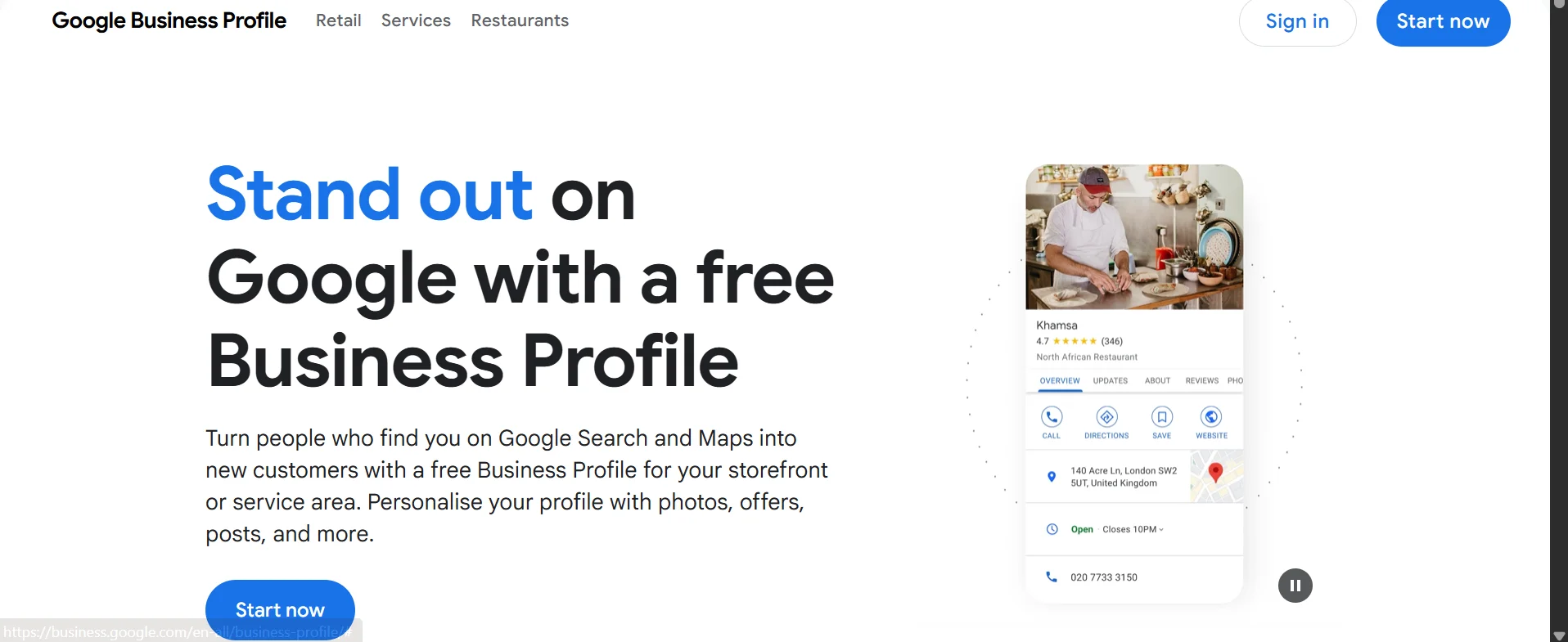
Google Business Profile is the most widely used business directory in the world, and for good reason.
When someone searches for a business or service on Google, the listings that appear in that map panel at the top of the results are powered by Google Business Profile.
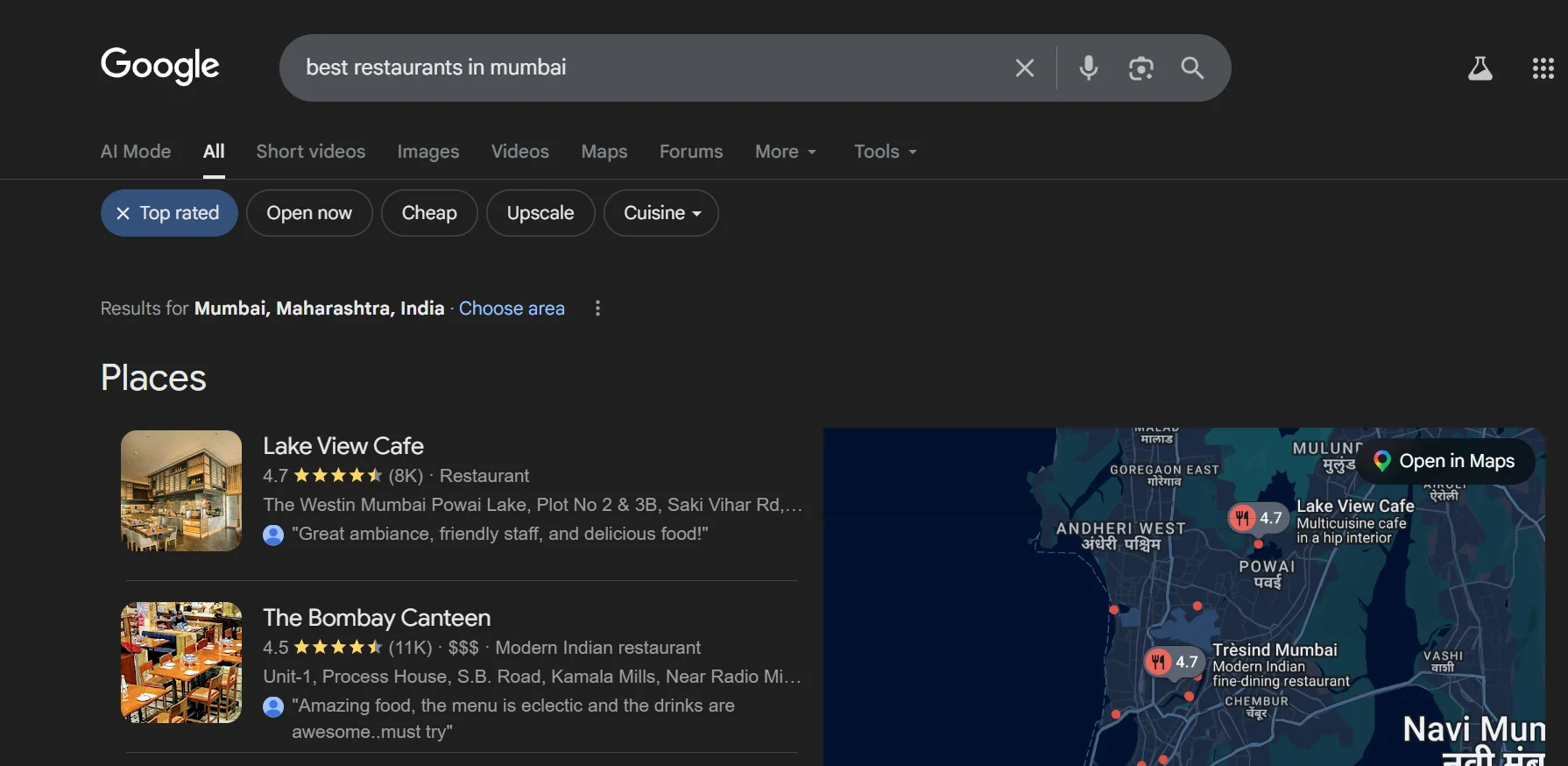
For anyone building a directory website, Google Business Profile is the gold standard to study.
It shows how deeply a well-structured directory can integrate with search behaviour.
It also shows why accurate, complete listings are so valuable to both users and business owners.
Yellow Pages
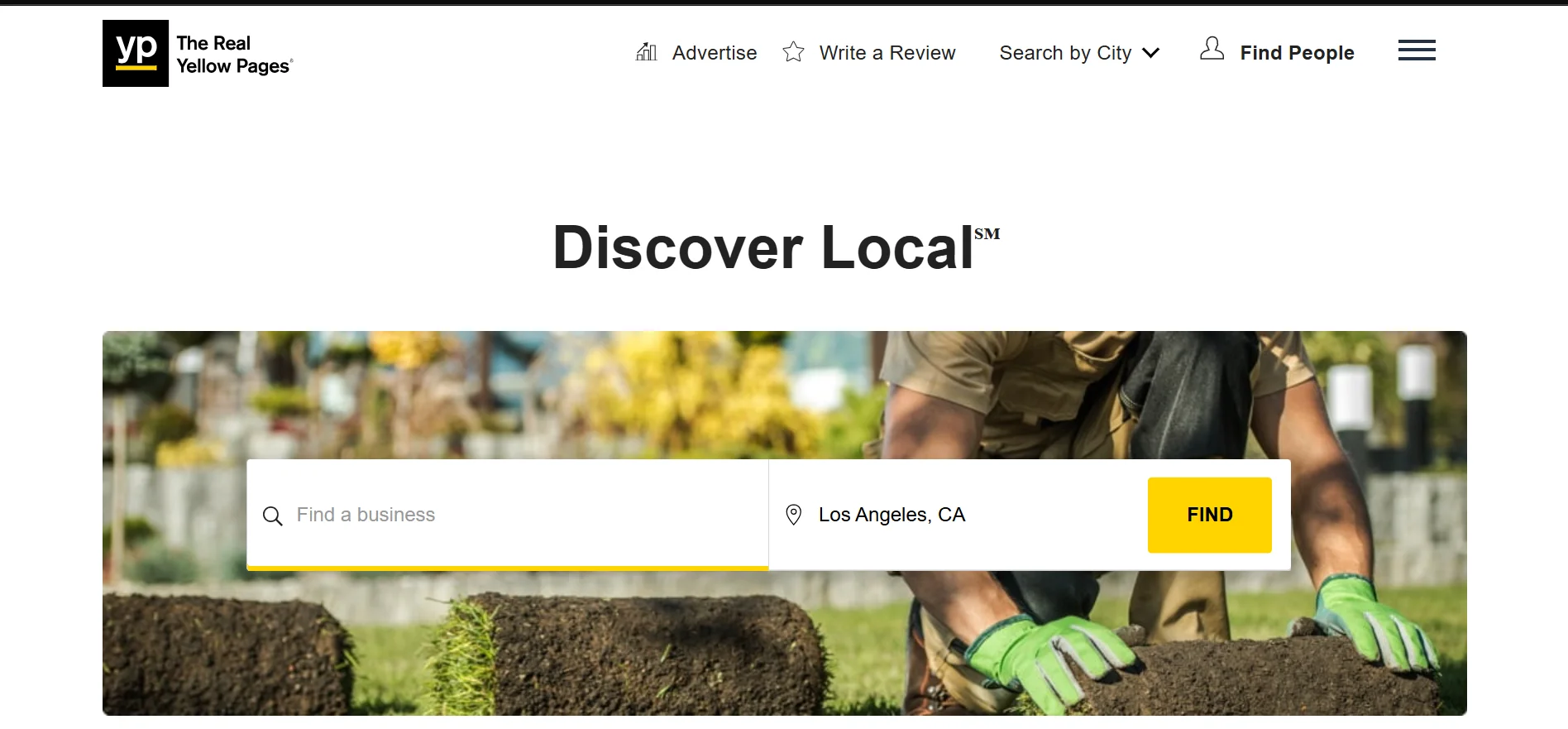
Yellow Pages started as a printed phone book and successfully reinvented itself as a digital directory.
It lists millions of businesses and is particularly useful for small businesses, service providers, and local retailers looking to improve visibility within their community.
What makes it a strong reference point for directory builders is its longevity and adaptability.
It has survived the shift from print to digital by doubling down on local search, categories, and user reviews.
If a brand this old can still attract traffic, it proves there is lasting demand for well-organized local business listings.
Best of the Web
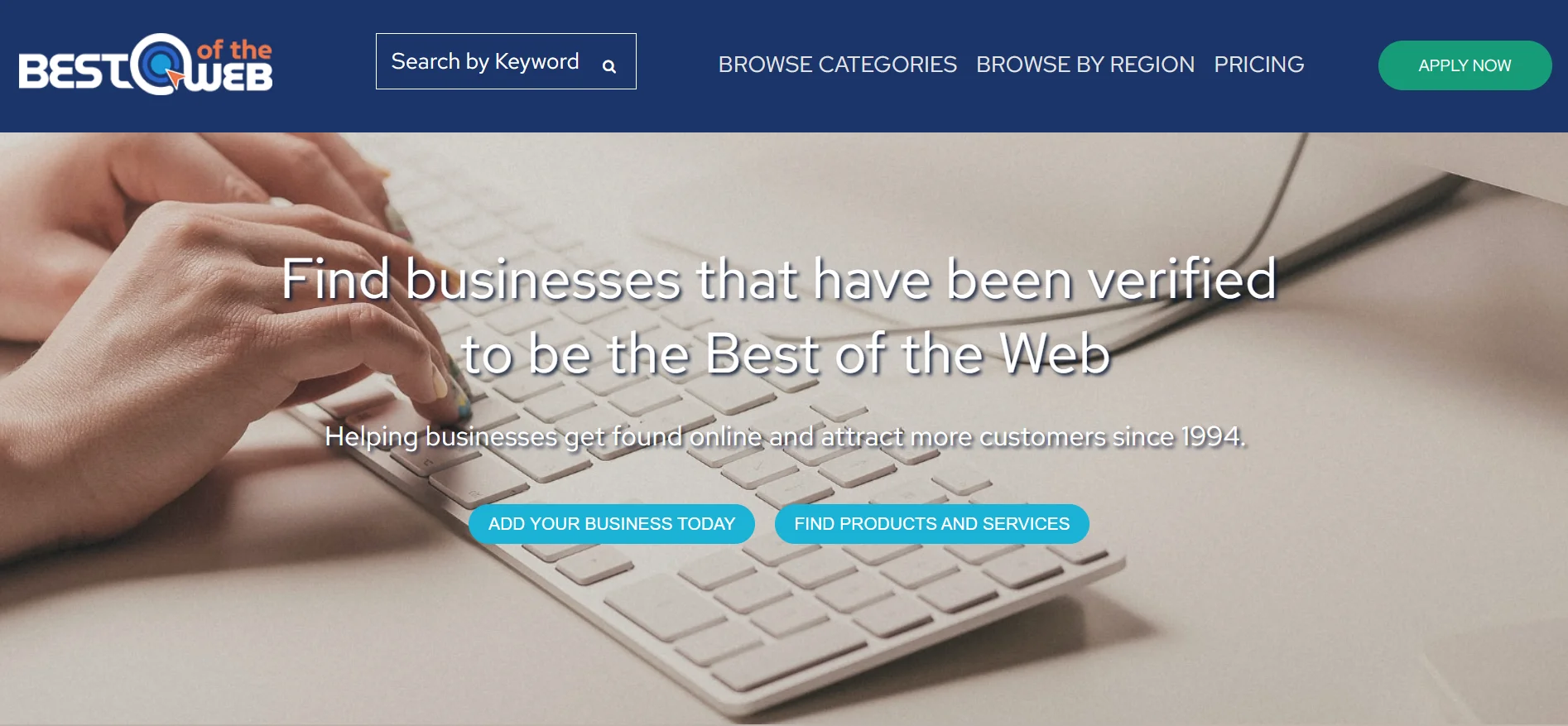
Best of the Web (BOTW) is one of the oldest business directories on the internet, having been around since 1994.
It organises listings by category and geography, making it easy for users to drill down to exactly what they need.
What sets BOTW apart is its emphasis on quality over quantity.
It manually reviews submissions, which gives its listings more credibility with users and search engines.
Business owners pay to be listed, making it one of the cleaner examples of a paid listing monetisation model.
Yelp and Yelp Business
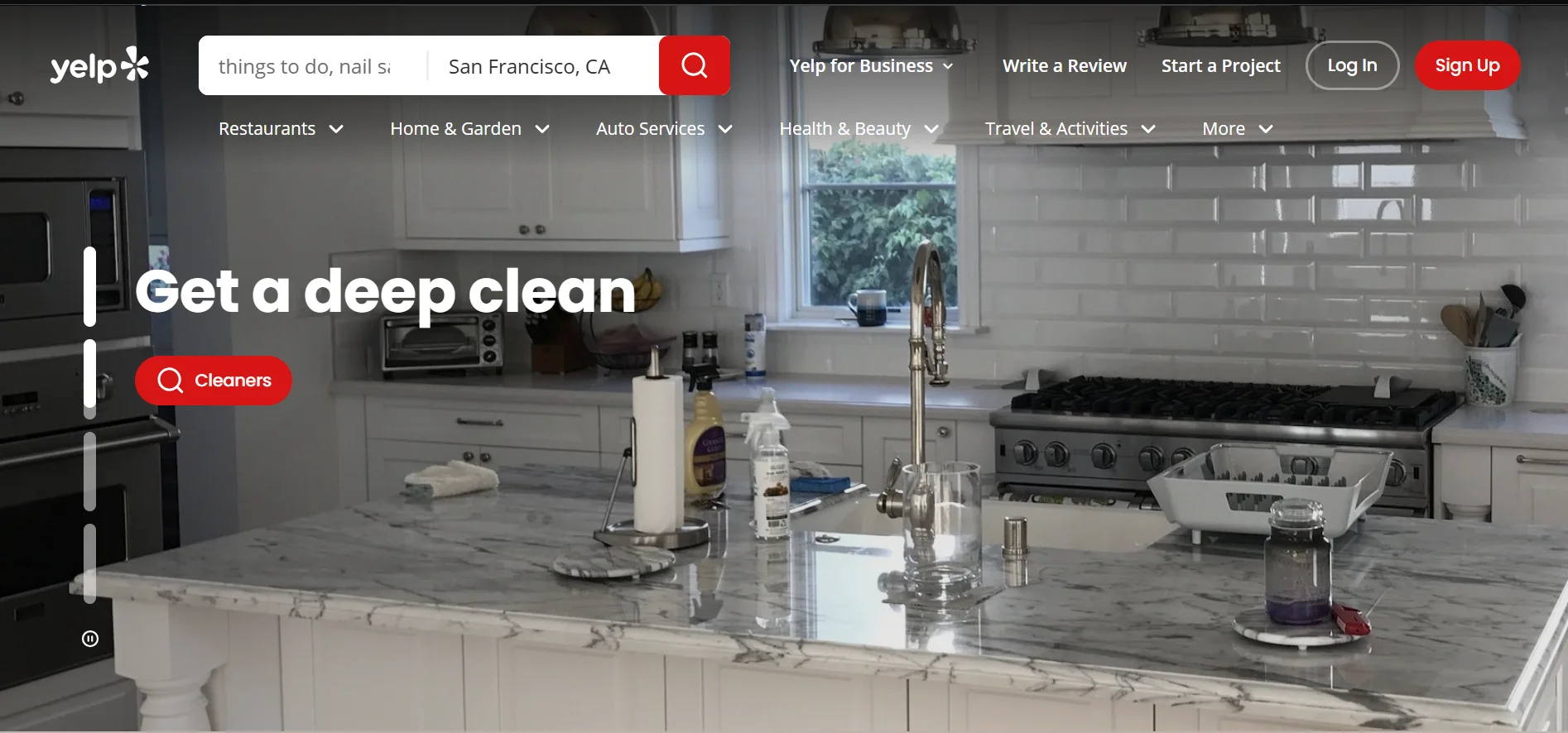
Yelp is arguably the most recognisable business directory in the world, particularly for restaurants, retail, and local services.
Its strength lies in user-generated reviews, which build trust and drive consistent traffic.
Businesses can claim free basic listings, but Yelp generates revenue through advertising and premium placements.
If you want to see how a review-driven directory works at scale, Yelp is the textbook example.
Steps to Build a Directory Website
Building a directory website involves planning, setting up, and ongoing improvement.
Each step below plays an important role in creating a useful, scalable platform.
Step 1) Define Your Niche and Location
Before anything, decide exactly what kind of directory you are building.
Ask yourself:
- What type of businesses will I list? (restaurants, healthcare, home services, legal, beauty, etc.)
- What geographic area will I cover? (a single city, a region, or a whole country)
- Who is my target audience? (everyday consumers or business buyers?)
The narrower your niche, the easier it is to market and the more valuable each listing becomes.
A directory called “Mumbai Wedding Vendors” will attract more relevant traffic and advertisers than a generic “India Business Directory.”
Step 2) Choose a Domain Name and Hosting
Your domain name should be easy to remember and relevant to your niche or location.
A few tips:
- Include a location or niche keyword where possible (e.g., BengaluruDentists.co.in)
- Keep it short. (Under 15 characters is ideal).
- Avoid hyphens and numbers.
- Use a country-specific or relatable domain extension (e.g., .in, .co.in, .dentists, .apartment, etc.)
At Truehost, we provide a domain name search tool that lets you quickly check availability and secure the perfect name for your website.
We also offer a wide range of domain extensions at affordable prices, ensuring your brand is well-represented and stands out online.
Once you have your domain, you need hosting.
Hosting is the service that stores your website’s files and makes them accessible to anyone on the internet. No hosting means no live website.
For a directory website, hosting is not just a box to tick. We’ll talk about why this is so in the last bit of the article.
Step 4) Choose a CMS
A Content Management System (CMS) is a tool you will use to build and manage your website.
This is where you’ll create your pages, listings, user accounts, design, etc.
For a directory website, the most popular CMS options are:
a) WordPress with a Directory Plugin
WordPress powers over 40% of all websites on the internet. Combining it with a dedicated directory plugin creates a robust directory-building platform.
The top plugins include GeoDirectory, Business Directory Plugin, and Directorist.
WordPress gives you full control, a large library of themes, and an enormous support community.
b) Brilliant Directories
Brilliant Directories is a SaaS platform designed specifically for directory and membership websites.
It handles listing submissions, payment processing, and member management out of the box.
It is easier to set up than WordPress, but less flexible for custom development.
c) Joomla with SobiPro
Joomla is an open-source CMS, and SobiPro is a directory extension built for it.
It is more technical than WordPress but offers powerful categorization and search capabilities for larger directories.
Note: For most beginners, WordPress with a directory plugin is the recommended starting point. It is flexible, well-documented, and supported by a global community.
Once you have chosen your CMS, install a directory theme.
A good directory theme comes with:
- A prominent search bar on the homepage
- Category and location filters
- Mobile-responsive listing cards
- Google Maps integration
Popular options include Listify, MyListing, and Listgo.
Step 3) Plan and Design Your Website Features
Before building your website, it is important to define the features it will offer.
A directory website should make it easy for users to search, filter, and explore listings. It should also allow businesses to present their information clearly.
Features such as search functionality, category filters, and user reviews can significantly improve the user experience.
The goal is to make it as simple as possible for users to find what they are looking for.
Step 4) Add Business Listings
This is the core of your directory.
You have two main approaches:
a) Manual submission by you
In the early stages, you may need to add listings yourself.
Research local businesses, reach out to them, and enter their details.
This is time-consuming but gives you quality control and ensures your directory looks populated from day one.
b) Self-service submission by business owners
You could also set up a submission form on your website where businesses add their own listings.
Offer a free basic tier and charge for premium or featured spots.
For each listing, collect the following:
- Business name, category, and subcategory
- Full address (for map integration)
- Phone number, email, and website URL
- Business hours
- A short description (100 to 200 words works well)
- At least one clear photo
Note: Keep your submission form simple.
The more fields you require upfront, the more people abandon it.
Start with the essentials and request more details later if need be.
Step 4) Enable Reviews and Ratings
User reviews are one of the most powerful trust signals a directory can have.
They keep content fresh, improve SEO, and give visitors a reason to return.
When setting it up:
- Require users to register before leaving a review (this reduces spam)
- Display star ratings prominently on each listing
- Allow business owners to respond to reviews
- Set up moderation to catch fake or abusive content
Step 5) Optimize for Search Engines (SEO)
Most of your traffic will come from Google.
A visitor searching “electricians in Jaipur” or “best restaurants in Ahmedabad” should find your directory on the first page of results.
To make that happen:
- Install an SEO plugin like Yoast SEO or Rank Math
- Give each listing its own unique, indexable URL (e.g.,yourdirectory.in/listings/Patel-plumbing)
- Use location and category keywords in page titles and meta descriptions
- Add schema markup so Google can show rich results like star ratings and addresses directly in search
- Build location-specific category pages (e.g., “Plumbers in Chennai, India”)
Monetizing a Directory Website
Once your directory has traffic and listings, there are several proven ways to generate revenue.
This includes:
a) Paid Listings – Offer a free basic tier and a paid premium tier. Premium listings might include featured placement, more photos, a video embed, or an enquiry form.
b) Featured Listings – Charge businesses to appear at the top of search results or on the homepage. This is a quick win for businesses that want immediate visibility.
c) Banner Advertising – Sell ad space on your directory. Local businesses, including ones not listed, may pay to advertise if your traffic is strong enough.
d) Lead Generation – Charge businesses per enquiry that comes through your platform. This works especially well for high-value services like legal, medical, or real estate.
e) Membership Plans – Create monthly or annual membership tiers for business owners. Higher tiers unlock analytics dashboards, review management tools, and multiple listing slots.
f) Affiliate Commissions – Recommend tools to listed businesses (like booking software or accounting apps) and earn a commission when they sign up.
Choosing Hosting
Hosting deserves its own section because it’s one of the most important decisions you will make for your directory.
A directory website has specific server requirements that a standard blog or portfolio site simply does not have.
Here’s what you need to know:
a) Your site will be database-heavy
Every search a visitor runs on your directory triggers a database query. Filter by category? Database query. Filter by location? Another one.
With hundreds of listings and thousands of simultaneous visitors, your server will need to handle that load without grinding to a halt.
Budget shared hosting plans with capped resources will struggle under this kind of pressure, leading to slow load times and frustrated users.
b) Page speed affects your rankings
Google uses page speed as a ranking signal.
A slow directory means lower positions in search results, fewer organic visitors, and less interest from business owners.
You need a host with fast servers, SSD storage, and ideally a built-in caching layer or CDN (Content Delivery Network) to serve pages quickly.
c) Uptime is non-negotiable
If your directory goes offline, business owners and visitors lose confidence.
A single hour of downtime during peak traffic can cost you listing revenue and hard-earned search rankings.
Look for a host with a 99.9% uptime guarantee backed by a real SLA.
d) Scalability will matter as you grow
A directory that starts with 50 listings can grow to 5,000.
Your hosting plan needs to scale with that growth without an expensive server migration.
Starting on a plan that allows easy upgrades saves you a significant headache down the road.
e) Security protects your reputation and users
Your directory holds contact details, user accounts, and potentially payment information.
A host that provides SSL certificates, automated backups, and malware scanning keeps that data safe and keeps your site trusted by both users and Google.
Getting your hosting right from day one ensures your directory loads fast enough to rank on Google, stays online reliably enough to retain business owners, and scales smoothly as you grow.
Truehost is a hosting provider well-suited for directory projects. We provide all of the essential features discussed above and more.
To find out more about how we can help you create a directory website, contact us.