 Web HostingBudget-friendly shared hosting plans
 Domains SearchFrom .com to unique country domains, explore and register extensions worldwide.
 WordPress HostingPower your blog or business with WordPress hosting.
 Email HostingSimple, secure email hosting that helps you stay connected and professional.
 Reseller HostingStart your own hosting business with easy and reliable reseller hosting plans.
 AffiliateJoin our affiliate program and earn commissions every time you bring in new customers.
 cPanel HostingHosting powered by cPanel, the world’s most user-friendly control panel.
 Windows HostingBuilt for Windows applications and websites
 IN Domain PricesDon’t miss out on the best domain deals in India!
 WHOIS LookupFind out who owns a domain name with a quick and easy WHOIS search.
 Domain TransferTransfer your domain to us and enjoy reliable support every step of the way.
 .Com DomainGet the most trusted domain for worldwide credibility
 All TldsSearch and register domain extensions worldwide.
 SSL CertificatesProtect your website with trusted SSL certificates and keep customer data safe.
 VPS HostingPowerful virtual servers. Full root access. Reliable uptime.
 Managed VPS HostingNot a tech expert? Choose our fully managed VPS service.
 Dedicated ServersTake full power and total control of your own physical server.
 AI Website BuilderCreate stunning websites instantly with our easy AI builder.
 Online ShopBuild your eCommerce store easily, no coding, just growth.
 Web Design ServicesGet a website built for your brand and designed for your goals.
 Contact UsReach out to us for support or questions.
 SupportGet answers and how-to guides for all our services.
 BlogRead our latest blogs on web hosting, online business, digital marketing, and other helpful topics.
Most people pay for a VPN, cloud storage, a password manager, and an automation tool. Each one carries its own monthly fee. Together, they can cost $30 or more every month.
A single entry-level VPS can replace several of them for far less. Truehost VPS plans start at [insert current starting price for your market].
You may already have a VPS that sits idle between website projects. Or you may be close to buying one and wondering if the fee is worth it. Either way, this list is for you.
Below, you’ll find ten projects that put your server to work. Each one names the tool, the resources it needs, and the main risk to watch.
A sizing guide accompanies the list, so you can see how many projects fit on a single server.
Most of these run comfortably on 2 GB of RAM. A few need more, and the article says so.
1) Run Your Own Private VPN
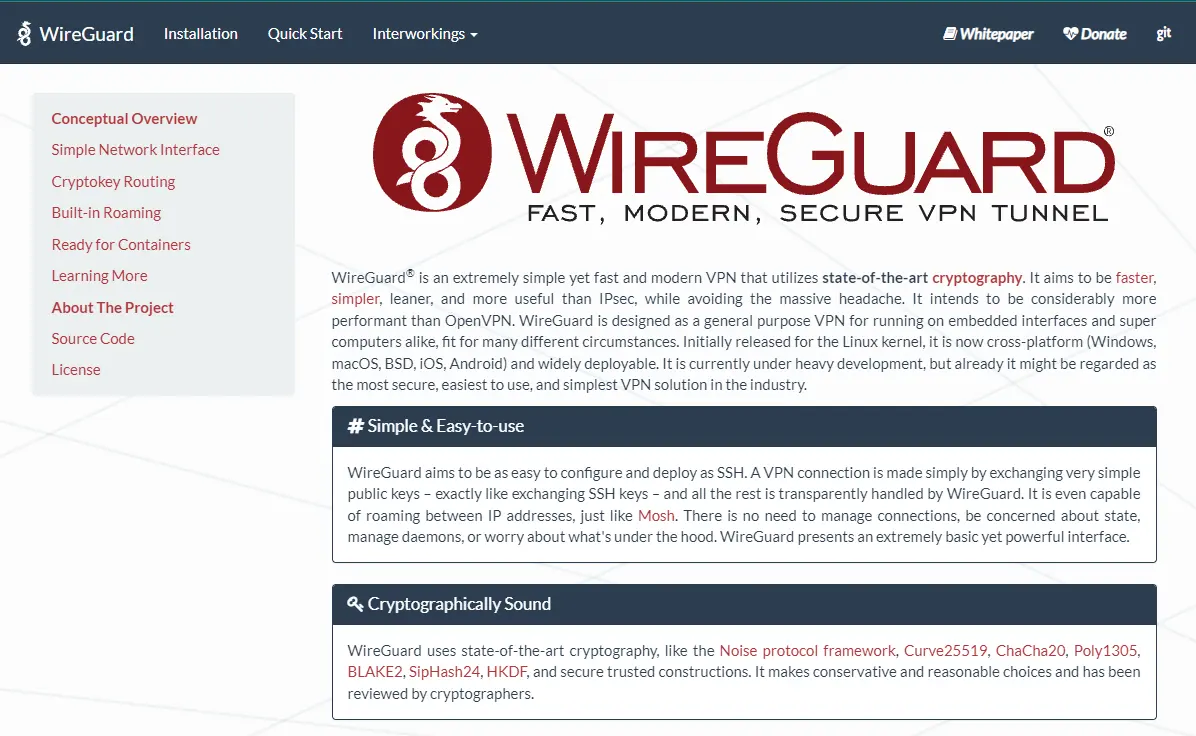
A self-hosted VPN gives you an encrypted tunnel that ends on a server you control. WireGuard and OpenVPN are the two main tools. WireGuard is lighter and quicker to configure. OpenVPN has a longer track record and wider client support.
You get a fixed IP address and no third-party logging. You also choose the server location. However, a self-hosted VPN does not copy everything a commercial service offers.
You get one exit location, not hundreds. Streaming sites may also block datacenter IP addresses.
Resource use is very light. Even a 1 GB VPS can serve a handful of devices. Setup takes about 20 minutes with the official WireGuard docs or a community install script.
Lock down SSH before anything else. A VPN server that accepts password logins is an easy target. The security checklist later in this article covers the steps.
2) Build a Private Cloud Storage and File Sync Server
Nextcloud is the standard choice for private file storage and sync. It can replace Google Drive or Dropbox for many users.
It also handles calendars, contacts, and shared documents. Seafile is a lighter pick that focuses on file sync and uses less memory.
Plan for at least 2 GB of RAM. Nextcloud runs next to a database and a reverse proxy. That stack adds up quickly.
Storage is the real limit, though. A VPS with a 50 GB disk fills up in no time. Check your plan’s disk size first, or attach extra block storage.
Back up both the files and the database. A sync tool is not a backup. If you delete a file, the deletion syncs across all devices.
3) Host a Game Server for Friends or a Community
A VPS gives a game server steady uptime and a stable connection. A home internet line rarely matches that. Minecraft is the usual starting point. Valheim, Terraria, and Rust also run well on rented servers.
Memory needs vary a lot. A small Minecraft Java server runs on 2 to 4 GB. Modded servers need more.
Heavy survival games such as Rust require at least 8 GB of RAM. Always check the game’s server requirements before you buy a plan.
Use a whitelist so only invited players can join. Then add automatic restarts and daily backups of your game saves.
Also, watch for lag spikes. Shared CPU cores can stutter during busy hours. If that happens, move to a plan with dedicated cores.
4) Create a Dev and Testing Playground With Docker
Docker runs apps in isolated containers. You can test a new tool, break it, and wipe it in minutes. Most providers also offer snapshots so that you can roll back a bad change. A fresh OS reinstall works as a quick reset, too.
For example, you can test a database upgrade on a copy before you touch production. You can also try a new framework or spin up a throwaway API. None of it risks your live projects.
A CI runner fits here as well. A small runner builds and tests your code on every push. That saves you from running checks on a laptop.
Docker itself is light. The containers you decide how much memory you need.
5) Automate Tasks With Self-Hosted Workflow Tools
n8n is a self-hosted workflow tool. It connects apps and moves data between them with little code.
For example, you can save form entries to a spreadsheet and then send a Slack alert. Another workflow can post each new blog article to your social channels.
Prefer code? Cron jobs and scheduled scripts do the same work. A short Python script can check prices, back up files, or ping a service every hour.
Self-hosting also removes per-task fees. Cloud automation tools charge by the task, so costs climb as your volume grows. On a VPS, you pay the same flat price.
n8n needs about 1-2 GB of RAM. Memory spikes when a workflow handles large files. Keep an eye on usage after you launch a new workflow.
6) Block Ads and Trackers Across Every Device
Pi-hole and AdGuard Home block ads and trackers at the DNS level. Every device that uses your server benefits. That includes smart TVs and phones, where browser extensions can’t reach.
Setup is simple. Install the tool, then configure your device’s or router’s DNS settings to point to your server’s IP address.
Here is the main risk. An open DNS server can be abused in attacks. The best fix is to access it only through your VPN, as in item 1. That keeps the resolver private.
Expect some limits. Certain in-app ads still load, since they come from the same domains as the content.
7) Host a Private Git Server
Gitea is light and quick to run. GitLab CE offers more features, including built-in CI, but it is heavier. Gitea runs on about 1 GB of RAM. GitLab wants closer to 4 GB.
Freelancers and small teams gain the most here. You keep private code on your own server and skip per-seat fees. However, GitHub and GitLab.com both offer free private repositories. Weigh whether you really need that extra control.
If you do, pair your Git server with the CI runner from item 4. Then your code, tests, and deployments all live in one place.
8) Self-Host a Password Manager
Vaultwarden is a lightweight server that works with Bitwarden apps and browser extensions. It uses very little memory, so it fits on almost any VPS.
Be honest about the trade-off. A managed service handles updates, backups, and uptime for you. On your own server, all of that becomes your job. A missed backup or a delayed update puts your passwords at risk.
Here is the minimum safe setup:
- Serve Vaultwarden only over HTTPS.
- Turn on two-factor authentication for every account.
- Back up the data folder to a second location daily.
- Update the container every month.
If those steps feel like too much work, stay with a managed service.
9) Stream Your Own Media Library
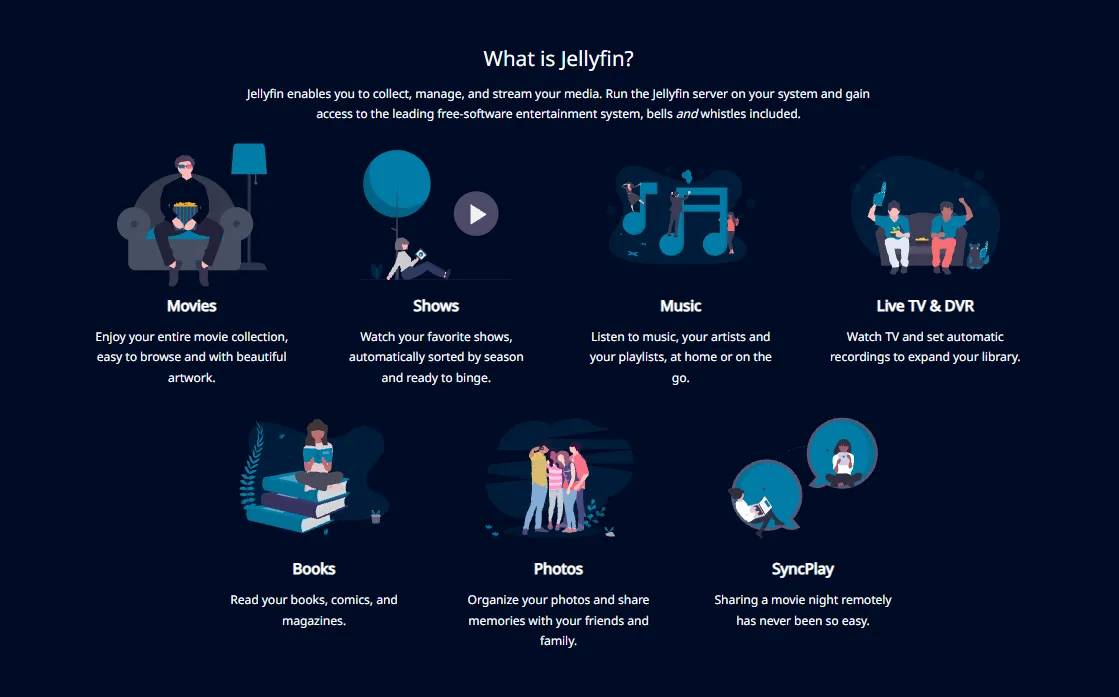
Jellyfin streams your movies, shows, and music to any device. Immich handles photo backup and works as a self-hosted alternative to Google Photos. Both are free and open source.
Storage and bandwidth set the limits. A media library can reach hundreds of gigabytes in size. Check your plan’s monthly transfer allowance too. Streaming to several devices uses it up quickly.
Transcoding is the other catch. It converts video on the fly and eats CPU. Shared VPS cores handle it poorly. Use direct play where possible, since it skips transcoding entirely.
Stick to media you own or have the right to stream.
10) Set Up Remote Desktop, Video Meetings, or Team Tools
Jitsi Meet runs private video calls without requiring accounts. Plan for at least 4 GB of RAM if a few people join at once. Bandwidth also needs attention here.
A lightweight desktop such as XFCE gives you a remote machine in the cloud. You reach it over VNC or RDP. It suits long downloads, browser tests, and scripts that need a display.
Small teams can add Taiga or Vikunja to track projects. Both are open source and light on resources.
Be realistic, though. If your team already uses a free hosted tool, this may be overkill; self-host only when you need control over your data.
How Many of These Can One VPS Run at Once?
A single VPS can carry several projects if you keep the mix modest. The table below shows the rough needs for each. Real numbers vary with usage, so treat them as starting points.
| Project | Typical RAM | CPU load | Storage |
|---|---|---|---|
| WireGuard VPN | 256 to 512 MB | Very low | Minimal |
| Nextcloud | 2 GB or more | Low to medium | Grows with your files |
| Minecraft server | 2 to 4 GB | Medium | A few GB |
| Docker playground | Depends on containers | Varies | 10 GB or more |
| n8n | 1 to 2 GB | Low to medium | Small |
| Pi-hole or AdGuard Home | About 256 MB | Very low | Minimal |
| Gitea | 512 MB to 1 GB | Low | Grows with repositories |
| Vaultwarden | 128 to 256 MB | Very low | Minimal |
| Jellyfin | 2 GB or more | Medium to high with transcoding | Large |
| Jitsi Meet | 4 GB or more | Medium to high | Small |
Three sample stacks show how this adds up:
- Starter (1 to 2 GB RAM): VPN, ad blocker, and Vaultwarden.
- Everyday (4 GB RAM): Add Nextcloud, Gitea, and n8n.
- Heavy user (8 GB RAM or more): Add Jellyfin, a game server, and Jitsi.
Upgrade your plan when memory stays above 80 percent for days. Add a second server when one service needs its own space. A public game server is a good example, since it draws the most traffic.
Secure Your VPS Before Running Any of These
Each of the projects above opens a door to the internet. Spend 30 minutes on this checklist first.
- Use SSH keys and disable password login.
- Enable a firewall, such as UFW, and open only the ports you need.
- Enable automatic security updates.
- Install Fail2ban to block repeated login attempts.
- Put web-facing services behind a reverse proxy with HTTPS. Caddy and Nginx Proxy Manager both work well.
This takes little time, and it protects everything you build afterward.
FAQs
Is a VPS better than a home server for self-hosting?
It depends on the job. A VPS gives you a static IP, steady uptime, and no extra electricity bill. A home server gives you full hardware control and cheap bulk storage.
Home setups also need port forwarding, and many ISPs block it. Pick a VPS for public or always-on services. Pick home hardware for very large media libraries.
Can I run my own email server on a VPS?
You can, but it makes a hard first project. Many providers block port 25 by default. New IP addresses also start with a weak reputation, so your mail may land in spam.
SPF, DKIM, and DMARC need careful setup, too. For most people, hosted business email takes far less work.
Do I need Linux skills to use a VPS this way?
Basic command-line skills help. You need to connect over SSH, edit files, and run a few commands.
However, one-click app templates and Docker Compose files significantly reduce effort. Follow a tutorial for your first project. Then build from there.
Pick One Project and Start Today
You don’t need to build all ten projects. Start with one.
If privacy comes first, set up the VPN. If you want your own storage, go with Nextcloud. If you play with friends, launch a game server. Each project replaces a monthly fee or removes a limit.
Now go back to the cost tally from the start of this article. Every project you add shrinks that bill and grows your skills.
Ready to put a server to work? Choose a Truehost VPS plan that fits the starter stack in the sizing table. Then follow a setup guide for your first project.