 Web HostingBudget-friendly shared hosting plans
 Domains SearchFrom .com to unique country domains, explore and register extensions worldwide.
 WordPress HostingPower your blog or business with WordPress hosting.
 Email HostingSimple, secure email hosting that helps you stay connected and professional.
 Reseller HostingStart your own hosting business with easy and reliable reseller hosting plans.
 AffiliateJoin our affiliate program and earn commissions every time you bring in new customers.
 cPanel HostingHosting powered by cPanel, the world’s most user-friendly control panel.
 Windows HostingBuilt for Windows applications and websites
 IN Domain PricesDon’t miss out on the best domain deals in India!
 WHOIS LookupFind out who owns a domain name with a quick and easy WHOIS search.
 Domain TransferTransfer your domain to us and enjoy reliable support every step of the way.
 .Com DomainGet the most trusted domain for worldwide credibility
 All TldsSearch and register domain extensions worldwide.
 SSL CertificatesProtect your website with trusted SSL certificates and keep customer data safe.
 VPS HostingPowerful virtual servers. Full root access. Reliable uptime.
 Managed VPS HostingNot a tech expert? Choose our fully managed VPS service.
 Dedicated ServersTake full power and total control of your own physical server.
 AI Website BuilderCreate stunning websites instantly with our easy AI builder.
 Online ShopBuild your eCommerce store easily, no coding, just growth.
 Web Design ServicesGet a website built for your brand and designed for your goals.
 Contact UsReach out to us for support or questions.
 SupportGet answers and how-to guides for all our services.
 BlogRead our latest blogs on web hosting, online business, digital marketing, and other helpful topics.
Advocates, chartered accountants, company secretaries, and doctors need professional email addresses. So do most consultants and client-facing independents.
Freelancers, creators, and tutors gain a lot from one, but they can start without it. Job seekers and hobby sellers can stay on a clean Gmail address.
Here, a professional email is an address on your own domain, such as [email protected] or [email protected].
A tidy Gmail handle does not count. However, a clean name-based Gmail still works well in some situations, and we cover those below.
This guide is for self-employed professionals and small business owners. Salaried staff usually get a work address from their employer, so you can skip ahead.
Everyone else can find their career below and see how urgent the upgrade is.
Careers Where a Custom Domain Email Carries the Highest Stakes
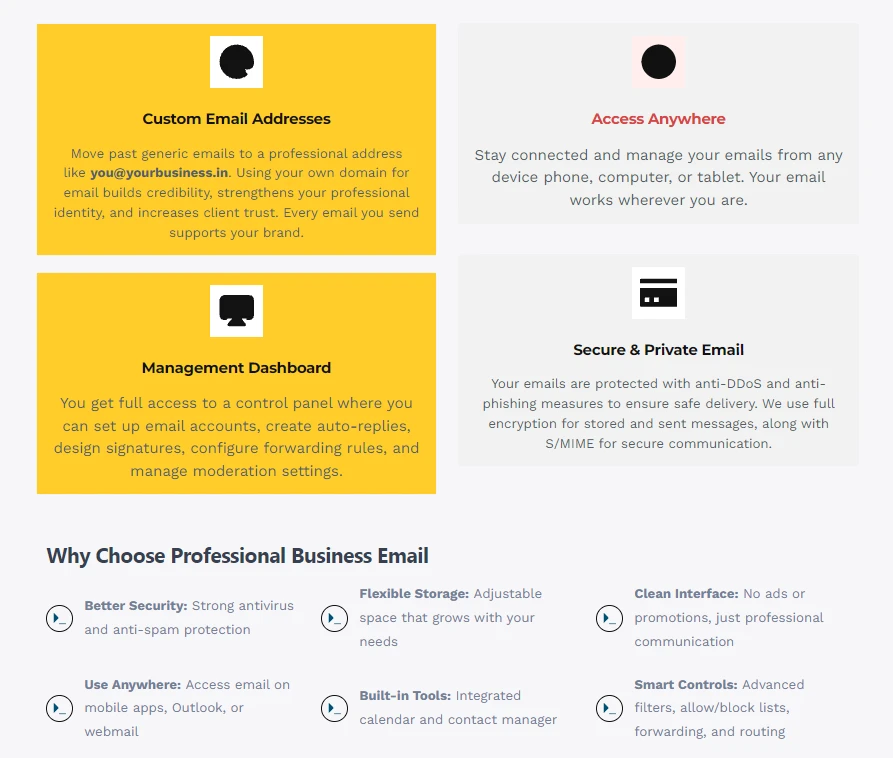
These careers handle sensitive client files every day. A free mailbox gives you little control over that data. Also, India’s data protection law now raises the cost of a mistake.
The Digital Personal Data Protection Act, 2023, applies to anyone who processes digital personal data. The DPDP Rules were notified in November 2025.
According to TaxGuru’s guidance, a personal data breach includes a hacked email account. It also covers an accidental email sent to the wrong recipient.
A Bombay Chartered Accountant Journal editorial notes that penalties for weak security safeguards can reach Rs 250 crore.
No rule names custom-domain email as a requirement. Still, a business mailbox gives you admin control, two-factor authentication, and clear mailbox records. Those features support the reasonable safeguards the law expects.
1) Advocates and Law Firms
Advocates trade in confidential material. Pleadings, evidence, and settlement terms all move by email. A personal account risks mixing client files with private mail. A firm domain keeps every mailbox tied to the practice.
For example, legal@ or office@ can route messages to the right person. Also, if a junior leaves, you can suspend or transfer that mailbox in minutes. Clients then read your address as proof of an established practice.
2) Chartered Accountants, Company Secretaries, and Tax Consultants
Your inbox holds Aadhaar copies, PAN cards, passport scans, and bank statements. That is the exact data the DPDP Act protects. The same BCAJ editorial flags free online PDF tools as a hidden risk in CA offices.
A free email account adds a similar risk, since you control very little of its setup.
A firm domain also keeps client mail with the firm when a partner or an associate assistant leaves. Useful mailboxes include:
- accounts@
- gst@
- audit@
- payroll@
3) Doctors, Clinics, and Diagnostic Labs
Patients share reports, prescriptions, and scans by email. TaxGuru’s guidance lists medical practitioners among the professionals covered by the DPDP Act. So a clinic mailbox deserves better protection than a free account offers.
An address like appointments@ or reports@ also builds patient confidence. Patients can then tell genuine messages from phishing attempts.
Careers Where Clients Judge You by Your Email Address
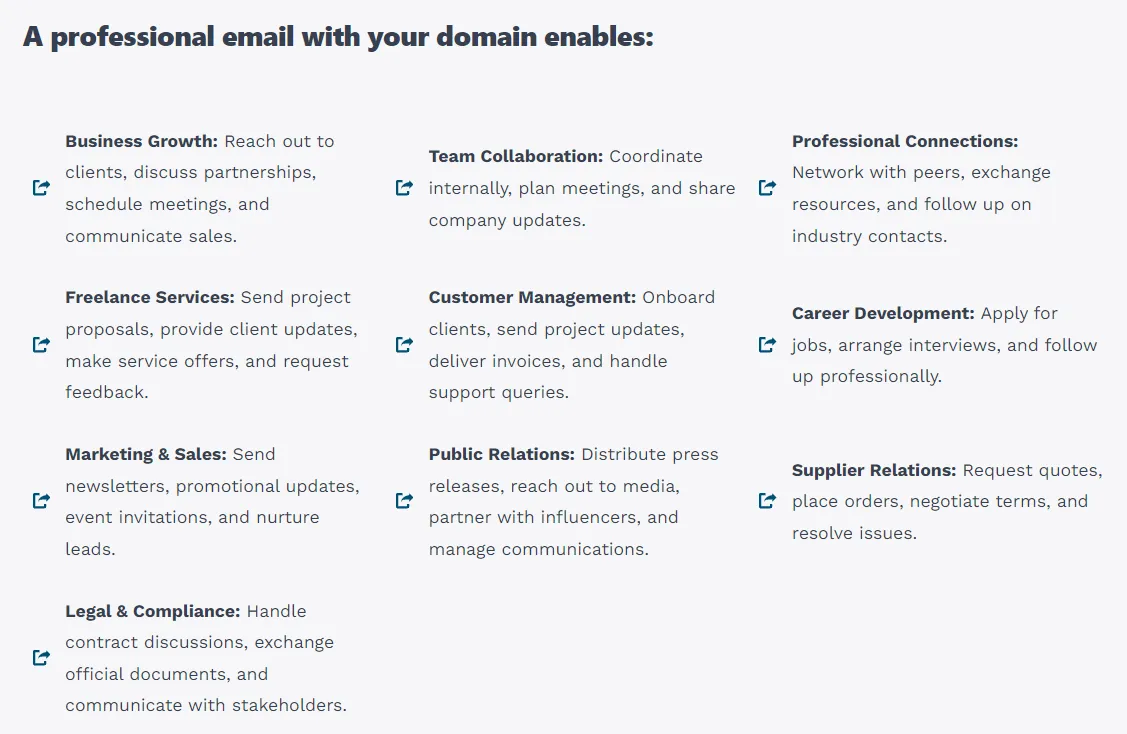
Here, the stakes are about trust and first impressions. A stranger decides quickly whether you look established. Your address is often the first evidence that a person sees.
4) Independent Consultants and Coaches
Cold outreach is your main source of leads. A prospect who sees [email protected] may delete your message unread. Instead, [email protected] signals a real, reachable business.
Good mailbox names include advisor@, strategy@, and hello@. Also, a branded address makes your proposals look more credible.
5) Real Estate Agents and Brokers
Buyers share copies of their IDs and payment details with agents. Naturally, they check you out first. A branded address like homes@ or listings@ builds that confidence. Meanwhile, a generic address gives nervous buyers a reason to walk away.
6) Architects and Interior Designers
Your proposals, drawings, and quotations travel as PDF attachments. Clients then forward them to family and business partners.
A branded address keeps your name on every forwarded thread. Use studio@ or projects@ for site work and approvals.
7) Financial and Insurance Advisors
Trust is the product you sell. Clients hand you income details, investment records, and family information.
A free address undercuts that confidence from the first message. Also, check whether your regulator or principal company sets email rules for advisors.
8) Exporters and Importers
Overseas buyers vet suppliers before sending money. Corporate procurement teams, banks, and tender desks often treat a domain email as proof that a business is real and active. A free address makes that check harder to pass.
Therefore, pair your domain email with a matching website. Use sales@ for inquiries and accounts@ for invoices.
Freelancers and Creators: Worth It, Not Required
These careers can start from a free address. However, your first corporate client usually changes that. Agencies and companies run vendor checks, and a branded address helps you clear them.
9) Developers, Designers, and Writers
Agencies and overseas clients often ask for invoices and signed contracts. A branded address looks better on both. For example, hello@ can handle inquiries while invoices@ handles billing. That split keeps your work organised as you add clients.
10) Photographers, Wedding Planners, and Event Vendors
Inquiries arrive from Instagram, referrals, and wedding portals. Route them all to bookings@ or enquiries@ so nothing gets buried. Also, a shared mailbox lets a partner or assistant reply on your behalf when you are on a shoot.
11) Tutors and Coaching Institute Owners
Parents want proof that you run a real institute. A domain address gives them that signal. Besides that, you can create separate mailboxes for admissions, fees, and teachers.
If cash is tight, start free. Then upgrade at your first company client, contract, or formal invoice.
Careers Where a Clean Gmail Is Enough
Salaried employees, fresh graduates, and job seekers can stay on Gmail. Hostinger’s guide agrees that a real-name Gmail address works fine for job applications. Use a simple format like firstname. lastname. Skip numbers, nicknames, and jokes.
Early idea testing and hobby selling fit here, too. Still, set an upgrade trigger now. Your first paying client, first invoice, or first company contract is the right moment.
Custom Domain Email vs Gmail: The Quick Comparison
| Factor | Free Gmail | Custom domain email |
|---|---|---|
| Trust signal | Looks personal | Shows your business name |
| Data control | Limited admin control | You manage and suspend mailboxes |
| Spam authentication | You cannot set DMARC for gmail.com | You configure SPF, DKIM, and DMARC |
| Team use | One login per person | Shared mailboxes and aliases |
| Cost | Free | Small monthly fee per mailbox |
You do not have to leave the Gmail inbox, though. A custom domain mailbox can still be read inside Gmail. So you keep a familiar screen while clients see your own domain.
How to Get Your Professional Email in India (Quick Steps)
- Pick a domain. Choose a .in or .com that matches your name or firm.
- Choose a business email plan. Count the mailboxes you need today.
- Create your mailbox. Set up an address like [email protected].
- Add it to your phone and email app. Test it by sending yourself a message.
Hostinger’s guide puts mailbox creation at about 15 minutes once you have a domain and a provider. For a longer breakdown by business type, read our guide on who needs business email hosting.
FAQs
Is a custom domain email legally required in India?
No general law requires it. However, the DPDP Act expects reasonable security safeguards for personal data. A business mailbox with two-factor authentication and admin control supports those safeguards. Ask your professional body about any rules for your field.
Is a Gmail address unprofessional for business?
For job hunting, no. For client work, it can signal a hobby operation to some buyers. Your own domain removes that doubt.
Can I have a professional email without a website?
Yes. You only need a registered domain and a mailbox plan. A website can come later.
How much does a business email cost in India?
Plans are priced per mailbox, per month. Prices vary by provider and storage. Check the current Truehost India plans for exact figures.
Can I manage a custom domain email inside Gmail?
Yes. Many providers support this setup. You send and read from one inbox, but clients see your domain.
Does a custom domain email reduce spam problems?
It helps. You can set SPF, DKIM, and DMARC records for your own domain. Receiving servers then trust your mail more. You cannot configure these records for gmail.com. NameSilo notes that Gmail and Yahoo bulk sender rules assume authenticated custom domains.
Match Your Email to Your Client Risk
The more sensitive or valuable your client relationships are, the less sense a free address makes. Advocates, CAs, and doctors sit at the top of that scale. Consultants, agents, and advisors follow close behind. Freelancers can choose their moment. Job seekers can wait.
If clients send you money, documents, or personal data, give them an address on your own domain. Search for your .in or .com domain and set up a business mailbox with Truehost today. Your clients will see your name and your firm from the very first message.