Web HostingBudget-friendly shared hosting plans
 Domains SearchFrom .com to unique country domains, explore and register extensions worldwide.
 WordPress HostingPower your blog or business with WordPress hosting.
 Email HostingSimple, secure email hosting that helps you stay connected and professional.
 Reseller HostingStart your own hosting business with easy and reliable reseller hosting plans.
 AffiliateJoin our affiliate program and earn commissions every time you bring in new customers.
 cPanel HostingHosting powered by cPanel, the world’s most user-friendly control panel.
 Windows HostingBuilt for Windows applications and websites
 IN Domain PricesDon’t miss out on the best domain deals in India!
 WHOIS LookupFind out who owns a domain name with a quick and easy WHOIS search.
 Domain TransferTransfer your domain to us and enjoy reliable support every step of the way.
 .Com DomainGet the most trusted domain for worldwide credibility
 All TldsSearch and register domain extensions worldwide.
 SSL CertificatesProtect your website with trusted SSL certificates and keep customer data safe.
 VPS HostingPowerful virtual servers. Full root access. Reliable uptime.
 Managed VPS HostingNot a tech expert? Choose our fully managed VPS service.
 Dedicated ServersTake full power and total control of your own physical server.
 AI Website BuilderCreate stunning websites instantly with our easy AI builder.
 Online ShopBuild your eCommerce store easily, no coding, just growth.
 Web Design ServicesGet a website built for your brand and designed for your goals.
 Contact UsReach out to us for support or questions.
 SupportGet answers and how-to guides for all our services.
 BlogRead our latest blogs on web hosting, online business, digital marketing, and other helpful topics.
If you’re a designer, developer, writer, photographer, or job seeker, you know the pressure of having a portfolio website.
Everyone says you need one. Recruiters expect it. Clients ask for it. Even internship applications now have a portfolio URL field staring back at you.
But building one?
That’s where most people get stuck.
You open a code editor… and close it.
You try a template… and hate how it looks.
You start watching a tutorial… and give up halfway.
Luckily, we now have vibe coding, and it has completely changed the game.
In this article, we’ll go over what you need to know to vibe code your way to a great portfolio website.
What Exactly Is Vibe Coding?
Vibe coding is building software (or websites) by describing what you want in natural language instead of manually writing every line of code.
Vibe coding is powered by AI tools that translate your ideas into functional design and code.
You guide the “vibe” (feel, structure, purpose) while the tool handles the technical complexity.
So, rather than structuring HTML, adding CSS styling, then configuring responsiveness, you type:
“Create a modern dark-themed portfolio website with a hero section, about me, projects grid, and contact form.”
And AI does the heavy lifting.
How to Vibe Code Your Portfolio Website
Vibe coding isn’t about typing random prompts and hoping for magic. There’s a smart way to approach it.
Here are the steps:
1) Get Clear on Your Goals
Before touching any AI tool, ask yourself:
- Who is my target audience? (Recruiters? Clients? Collaborators?)
- What action should they take? (Hire me? Contact me? View projects?)
- What’s my core positioning? (Frontend developer? Brand designer? Content strategist?)
Your vibe depends on your goals.
2) Define the Core Sections
Most portfolio websites include:
- Hero section (first impression)
- About me
- Skills
- Projects
- Testimonials (optional but powerful)
- Contact section
When vibe coding, you should describe these clearly.
Instead of saying: “Build a portfolio for a writer.”
You could say: “Create a clean, minimal portfolio website for a SaaS writer, with a full-width hero section, short bio, skills grid, 6 project cards with images and descriptions, and a contact form at the bottom.”
Specific prompts = better results.
3) Refine the Design Through Iteration
The first output won’t be perfect. That’s normal.
Vibe coding is conversational. You improve results by refining your instructions.
You could have instructions like:
- Make the typography more modern.
- Increase spacing between sections.
- Use a dark-blue theme with subtle gradients.
- Add hover effects on project cards.
Think of it like directing a designer. You guide, it executes.
4) Replace AI Placeholder Content With Your Content
After refining the layout, you can now add:
- Your name and bio
- Your projects
- Your skills
- Your contact details
You also have the option to include this information directly in your initial AI instructions. Doing so ensures the final output is fully personalized from the start. The choice depends on your preferred working style and the AI you’re using.
Bonus Tip: From my personal experience vibe coding a portfolio website, make sure you tell the AI to create an admin section. This will help you easily add or remove content as you please.
5) Improve UX and Flow
Now ask yourself:
- Is the website easy to navigate?
- Can someone understand what I do within 5 seconds?
- Is there a clear call to action?
- Are buttons visible?
- Is text readable on mobile?
Good UX (User Experience) makes your portfolio effective. Bad UX makes people leave.
6) Optimize for Mobile Responsiveness
Most visitors will open your site on mobile first.
Check:
- Does text wrap properly?
- Are buttons too small?
- Do images resize correctly?
- Is scrolling smooth?
If your site builder supports preview modes, use them. Mobile-first thinking matters.
Popular Platforms To Vibe Code Your Portfolio Website With
There are many AI tools you can use to vibe code your portfolio website. Here, we’ll discuss 5 popular ones.
1) Ollit AI
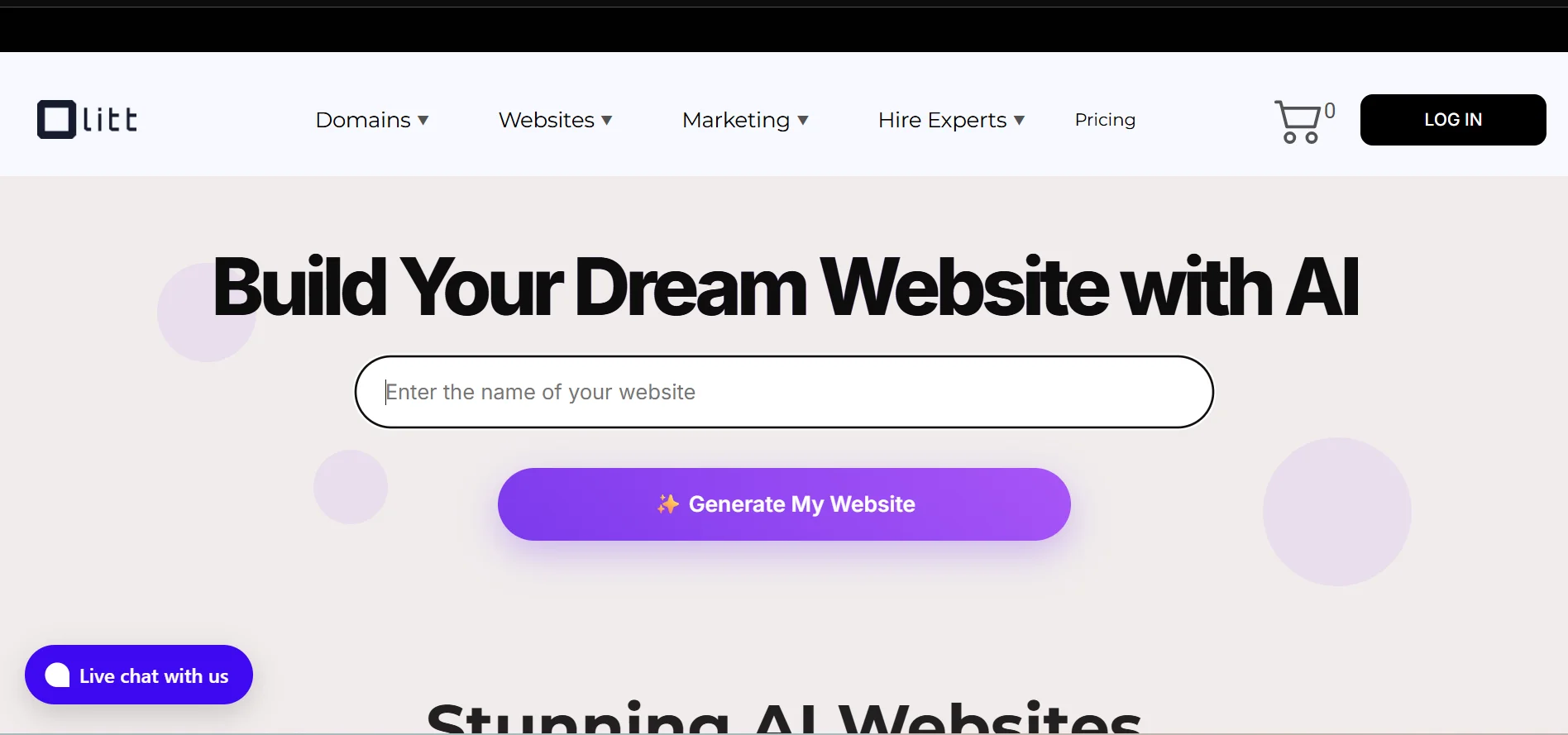
Ollit AI is a purpose-built AI website builder focused on simplifying the entire web creation process.
Unlike developer-centric tools, Ollit doesn’t need you to write or edit code.
Instead, you answer a few direct questions about your brand/business, and the platform generates a structural draft for you.
2) Cursor AI
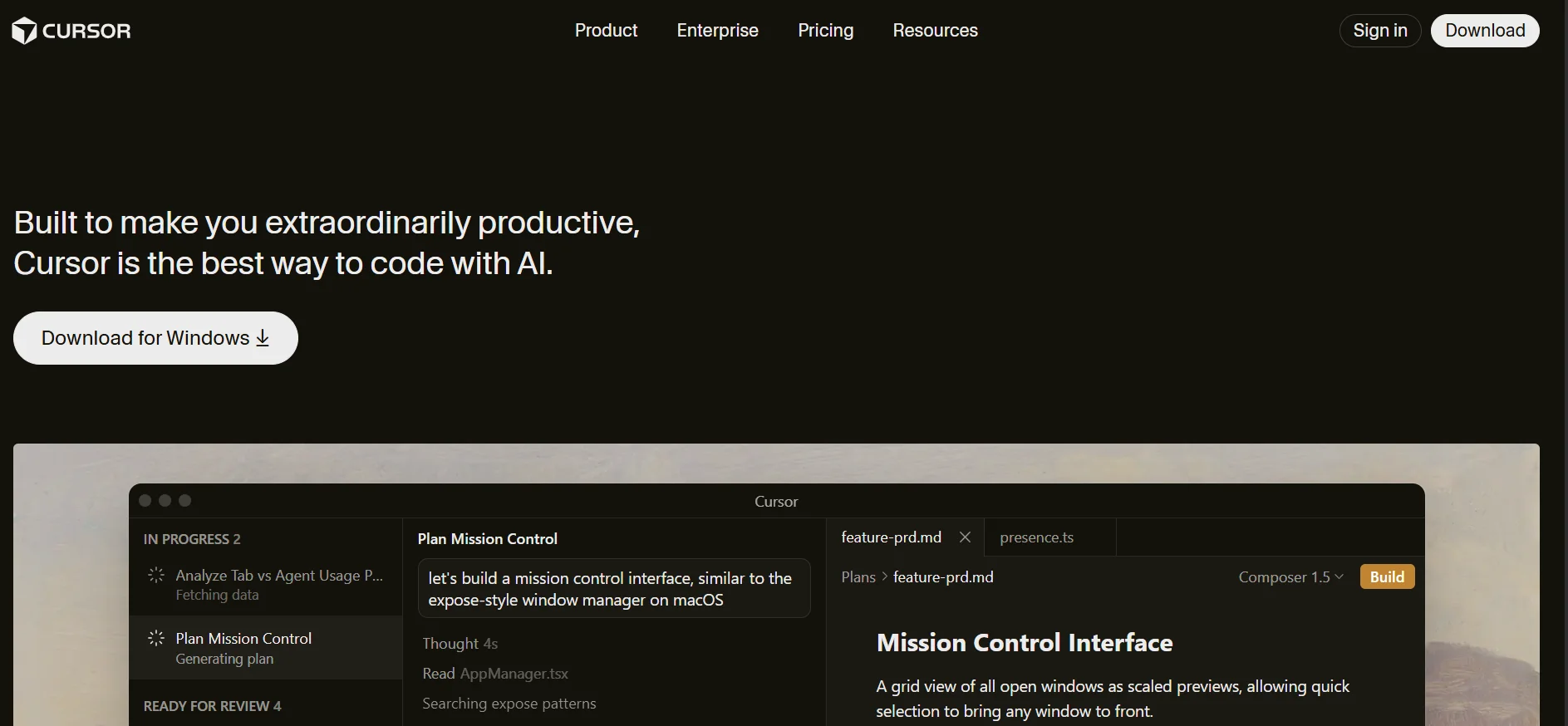
Cursor is an AI-powered code assistant integrated directly into a development environment similar to VS Code.
With Cursor, vibe coding means you describe the feature or UI component you want, and the AI generates the actual code in context.
Unlike no-code builders, Cursor expects you to understand and edit the code. This makes it ideal if you want both AI assistance and full control.
Note that you’ll need to download the Cursor app.
3) Bolt.new
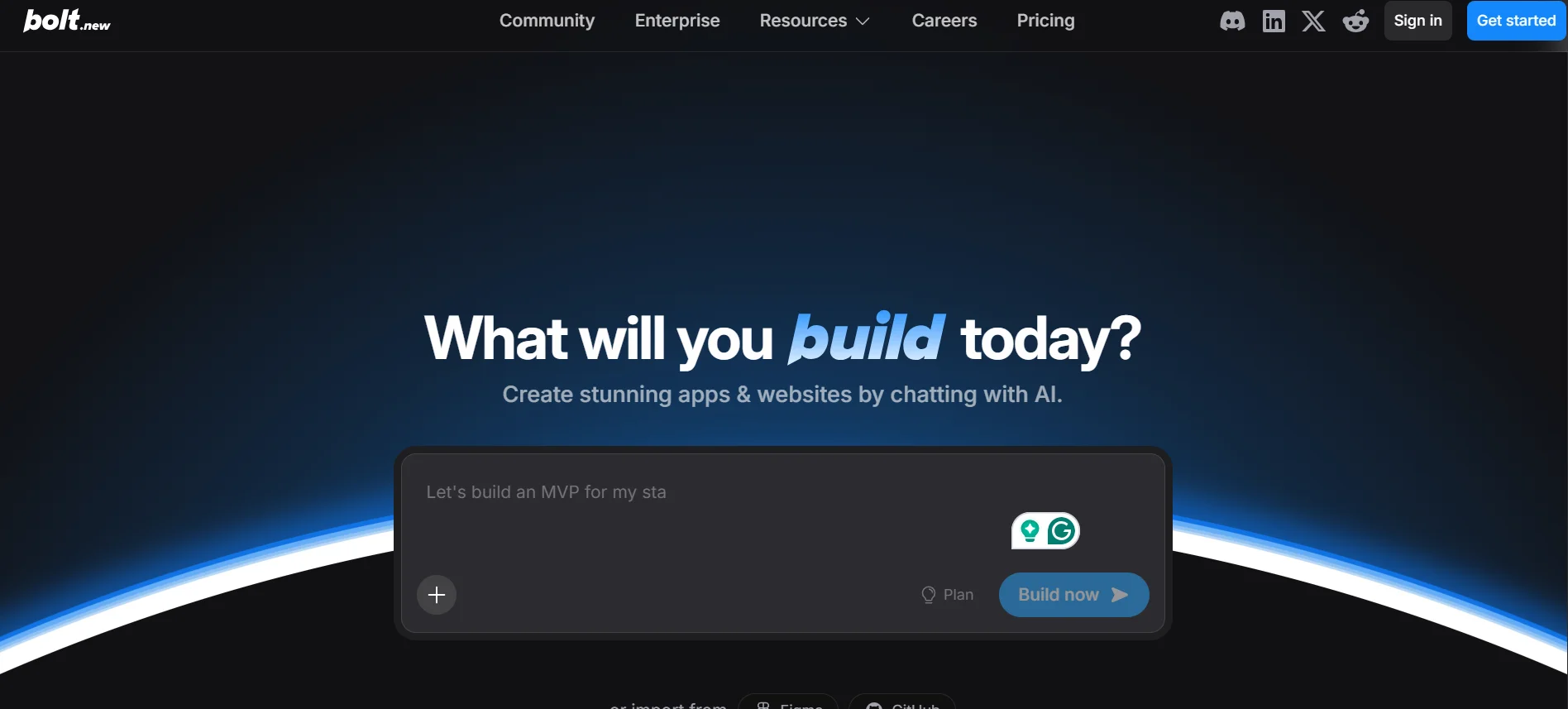
Bolt.new blends natural language instructions with live coding in the browser.
When you describe your website idea, Bolt.new uses its AI agent to generate front-end and, if needed, backend scaffolding right in your workspace.
Rather than a purely visual builder, Bolt creates a runnable codebase (HTML/CSS/JavaScript or frameworks like React). This provides flexibility while still saving time on repetitive coding.
4) Lovable
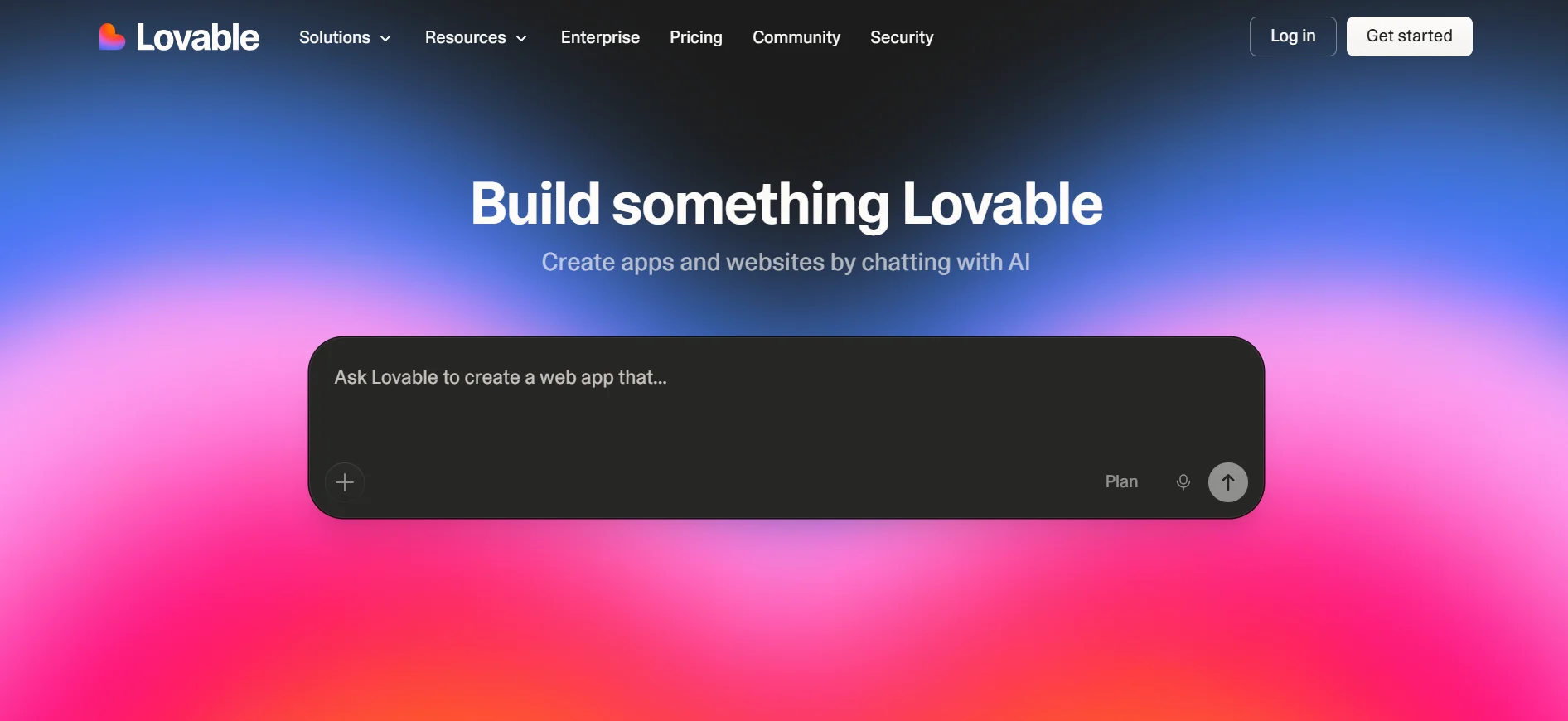
Lovable transforms natural-language inputs into real, editable full-stack code.
You tell Lovable what you want, and it generates frontend and backend code, database logic, and deployment configurations.
Unlike visual builders, Lovable’s goal is production code you can deploy to GitHub, host, or extend manually.
This makes it closer to a developer proxy: the AI writes real code, and you maintain full control.
5) Replit
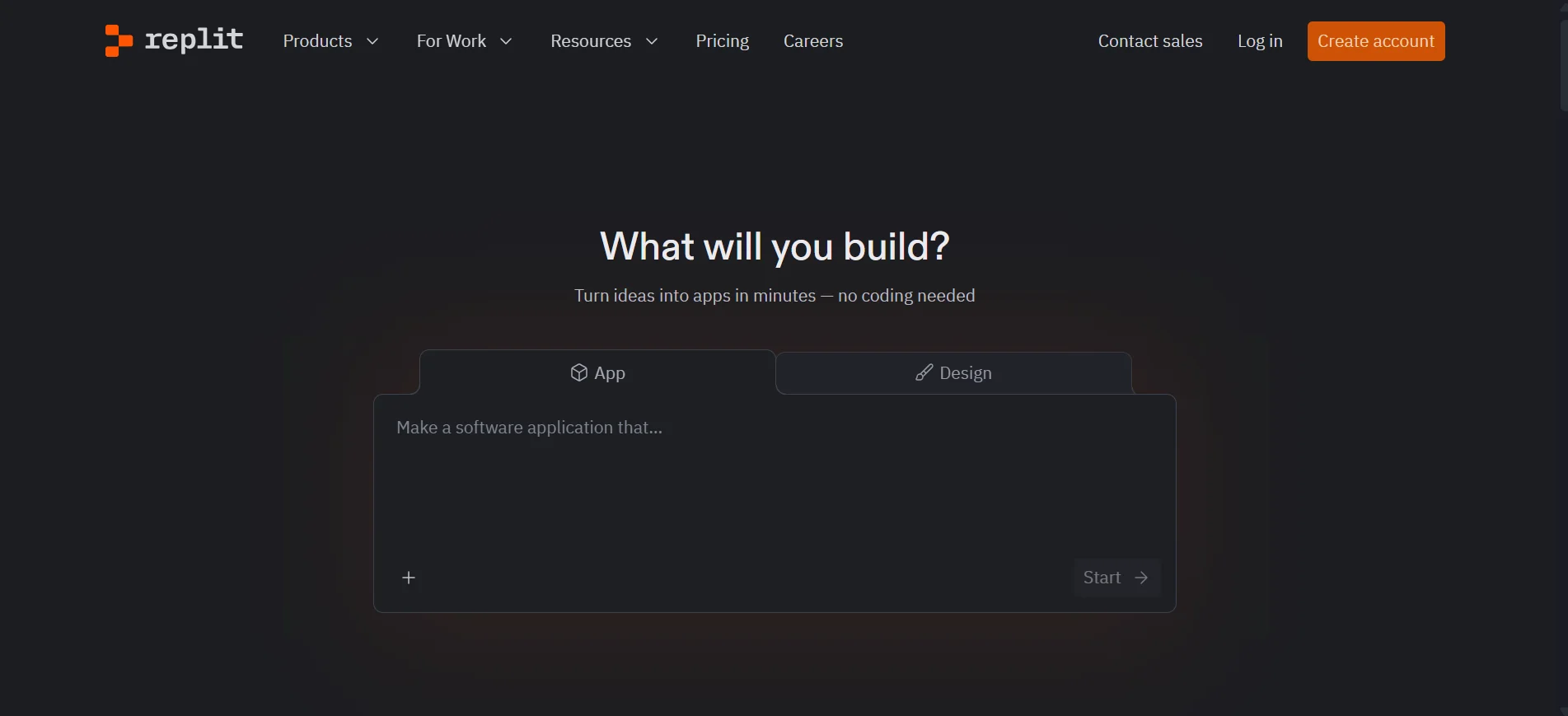
Replit is a full browser-based IDE with integrated AI agents.
The Replit Agent lets you describe what you want in natural language. It then handles code generation, environment setup, hosting, and deployment.
Replit combines the ease of prompt-based generation with the strength of a full development environment.
You’ve Vibe Coded Your Website, What’s Next?
After creating your website locally or inside a builder, the next step is to make it live so people can access it.
Here’s how to do that:
1. Get a Domain Name
A domain name is your website’s address.
Example:
- yourname.in
- yourname.com
- yourname.dev
Choose something:
- Easy to spell
- Professional
- Short
- Brandable
At Truehost, we offer the cheapest domains in India. We have hundreds of extensions, including .com, .in, .org, .net, .info, .academy, .agency, etc.
This makes it easy and affordable to secure a professional web address that perfectly matches your brand or profession.
Beyond pricing and variety, we also provide:
- Instant domain registration
- Domain privacy protection
- DNS management tools
2. Choose Hosting
Hosting is where your website “lives” on the internet.
If you’re using a platform like Ollit, hosting may already be included or easily integrated.
If not, you’ll need a hosting provider that:
- Supports your site type (HTML, WordPress, frameworks, etc.)
- Has high uptime guarantees
- Includes security configurations
- Offers 24/7 customer support
- Allows you to scale easily
At Truehost, we offer hosting plans designed for users at every level, from beginners launching their first portfolio to developers managing multiple projects.
Our hosting services include:
- Shared hosting for affordable beginner websites
- WordPress hosting optimized for WordPress portfolios and blogs
- Managed and unmanaged VPS hosting for developers who want more control and performance
- Cloud hosting for scalable and high-traffic websites
- Dedicated servers for large-scale websites
We also provide 24/7/365 technical support. This ensures that if you ever run into an issue, there’s always someone available to help you resolve it quickly.
3. Connect Your Domain to Hosting
This usually involves:
- Updating DNS settings
- Pointing your domain to your hosting server
- Waiting for propagation (which can take a few hours)
Most platforms provide step-by-step guides.
At Truehost, we make this even easier.
Our team can handle the technical configuration for you, including:
- Domain-hosting connection
- DNS configuration
- Nameserver updates
- Initial website setup
This means you can focus on your portfolio and content while we handle the technical side of getting your website live.
4. Install SSL (Security Certificate)
SSL makes your website secure and changes http:// to https://
This is essential because:
- Browsers mark non-HTTPS sites as “Not Secure.”
- It improves trust.
- It’s better for SEO
At Truehost, we provide free SSL certificates with some of our hosting plans.
Activation is simple and can usually be done with just a few clicks from your hosting dashboard.
We also offer plans for purchasing the SSL certificates.
5) Test Everything
Before publishing your website:
- Click every link.
- Test the contact form.
- Check mobile responsiveness.
- Verify loading speed.
- Review grammar.
Your portfolio could be someone’s first impression of you, so it’s worth taking the time to polish it.
Important Note: Truehost also offers a website builder.
This means you can handle everything in one place:
- Register your domain
- Build your website
- Host your site
- Install SSL
- Publish your portfolio
This setup is especially useful if you want to launch quickly without juggling multiple platforms.
How to Make Your Portfolio Stand Out
Now that your portfolio website is live, don’t stop there.
a) Add Case Studies
Instead of just showing images, explain:
- What problem did you solve?
- What tools did you use?
- What was the result?
Storytelling is powerful.
b) Keep Updating
Your portfolio should evolve as you grow.
Update it when:
- You finish a new project.
- You learn a new skill.
- You shift career direction.
A stale portfolio signals inactivity.
c) Share Everywhere
Once live:
- Add it to LinkedIn.
- Add it to your resume.
- Share it on social media.
- Add it to your email signature.
Traffic doesn’t magically appear. You have to distribute.
Final Thoughts: Is Vibe Coding Worth It?
If you’ve been postponing your portfolio because coding feels intimidating, vibe coding might be exactly what you need.
It lowers the barrier, removes the fear, and speeds up execution.
But remember: AI builds structure, you build substance.
Your ideas, personality, and experience are what make the website meaningful.
So if you’ve been waiting for the perfect time to launch your portfolio, this is it.
Head over to our website’s homepage to see how we can help.