India English
Kenya English
United Kingdom English
South Africa English
Nigeria English
United States English
United States Español
Indonesia English
Bangladesh English
Egypt العربية
Tanzania English
Ethiopia English
Uganda English
Congo - Kinshasa English
Ghana English
Côte d’Ivoire English
Zambia English
Cameroon English
Rwanda English
Germany Deutsch
France Français
Spain Català
Spain Español
Italy Italiano
Russia Русский
Japan English
Brazil Português
Brazil Português
Mexico Español
Philippines English
Pakistan English
Türkiye Türkçe
Vietnam English
Thailand English
South Korea English
Australia English
China 中文
Canada English
Canada Français
Somalia English
Netherlands Nederlands

AI website builder in India

Cheapest AIWebsite Builder.Build a functional website in minutes.

Describe your business, let AI create your first draft, then edit and publish without coding. Hosting, SSL and customer tools are included.

Start with Website builder Hobby

₹79.17 / month

Billed yearly

  • ~10kVisitors / month
  • 0Business emails
  • 100Marketing contacts
yourbusiness.comSTUDIO & CO.Good ideas deservea beautiful home.Click any text to make it yours.Explore our work →YOUR IDEA“Create a site for my design studio.”✓ New enquiry saved

Website Builder Pricing

Billing cycle

Swipe sideways to compare all 3 plans

Website builder Hobby

₹95.00/mo

₹95.00 billed monthly

Order Now

Renews at ₹95.00/month

  • 1 AI Powered website
  • ~10k visitors/month
  • 0 Free domain (yearly)
  • Launch up to 1 online shop
  • Manage1 Social Media Accounts
  • Limited access to Marketing Suite (Forms. Emails, Analytics)

Website builder starter

₹664.05/mo

₹664.05 billed monthly

Order Now

Renews at ₹664.05/month

  • Free domain name for 1 year
  • Unlimited Storage
  • Ticket & Live Chat support
  • SEO & Marketing tools
  • Remove OLITT branding ads
  • Social Media Integrations

Prices exclude 18% GST. Final amount shows at checkout. Cached plan data is being shown while WHMCS reconnects.

Choose your starting point

A plan for the website you want to build

Start with your project, then choose the space and customer tools you need.

Personal sites and first launches

Start small with Hobby

Build one AI website with around 10,000 visitors a month and 100 marketing contacts. Bring your own domain; a free domain and business email are not included.

Compare plans →
Business sites and online shops

Grow with Starter or Pro

Choose Starter for a business site with 1 GB storage, five forms and one business email. Pro adds 10 GB storage, 25 forms, 500 contacts and online shop tools.

Choose your plan →
Multiple sites and larger audiences

Get more room with Business

Manage up to 20 websites with 50 GB storage, unlimited forms and 2,000 contacts. Seven business emails are included with yearly billing.

View Business →

More than a beautiful website

Your website. Your next conversation.

Create your pages, get found and keep your customer connections in one workflow.

AI website builder

Your idea. Taking shape.

Tell our AI builder about your business. Start with a website you can see, then make the pages, message and style your own with our easy inline editor.

See the setup journey →
A business website ready for your inline editsYOUR BUSINESS · YOUR WEBSITEFOLIO STUDIOSpaces for the wayyou live.Your services. In your own words.Explore our work →Ready to make it yoursClick. Edit. Keep creating.
On-page SEO

Built to get found

Write clear page titles and descriptions with our built-in SEO tools. Help search engines identify your services and give customers a useful reason to visit.

Explore our SEO tools →
Inline editing

Edit it where you see it

Click into your page to change the words, images and offers. Our inline editor keeps your work in context, so everyday updates feel simple.

See how editing works →
Synced forms

An enquiry with a next step

Add quote requests, questions and sign-up forms. Our synced forms bring submitted details into your contacts, ready for the next conversation.

Connect your enquiries →
Contact management

Keep your audience together

Organise customer details and create segments for different interests. Choose the contact allowance that gives your business room to grow.

Explore contacts and segments →
Email marketing

Stay in the conversation

Build email campaigns and drip sequences for your subscribers. Our marketing tools help you follow up with a message that fits their interests.

See our follow-up tools →

Room for your next stage

Compare our website, contact, form and marketing allowances in the current plan table.

Compare builder plans →

01 · Get found

Good pages deserve a clear introduction

Our SEO tools sit alongside the website you create. Describe each page clearly, keep your business details accurate and give search engines the structure to discover your content.

  • ✓Write a useful title and metadata for each page
  • ✓Describe your services and city clearly
  • ✓Publish useful content for your customers
Choose your builder plan →
Illustrated example of page metadata and business detailsYOUR PAGE · SEO SETTINGSPAGE TITLEInterior Design in Bengaluru | Folio StudioMETA DESCRIPTIONThoughtful interiors for homes and workspaces.Explore our projects and tell us about yours.Business detailsServices and locationPage contentUseful, original information

02 · Capture and follow up

A visit can become a conversation

Use our synced forms to collect enquiries, our contacts to keep them organised and our email marketing tools to follow up with subscribers. Give every new connection a useful next step.

  • ✓Collect quote requests and newsletter sign-ups
  • ✓Organise contacts into relevant segments
  • ✓Create email campaigns and automated drip sequences
Want to sell online? →
Illustrated workflow connecting a website form, contact record and email follow-upFROM INTEREST TO A CONVERSATIONRequest a consultationYour nameEmail addressSend my request →CONTACT RECORDNew website enquiryA relevant follow-upFrom your marketing toolsIllustrated example · contact and campaign allowances vary by plan

Build around your website

Give your business a home online

Add a memorable domain, professional email and the services your next stage needs.

From an idea to a website

How to create a website in India

Use our AI website builder to create your first draft, personalise your pages and publish your business website.

01 · Describe

Start with your business

Share your name, services, audience and the style you want. AI creates an initial site structure and content.

02 · Edit

Change it where you see it

Use inline editing to refine text, update images and make the site sound and look like your business.

03 · Publish

Give customers somewhere to go

Review your pages, connect your domain and publish. Keep improving the site as your business changes.

Website builder FAQs for India

Practical answers on website creation, pricing, domains and growing your business online.

How much does it cost to create a website in India with Truehost?

Our AI website builder starts at ₹95.00 per month on Hobby, billed monthly. With yearly billing, Hobby works out to ₹79.17 per month. That is a monthly equivalent, paid annually.

Our monthly builder prices are:

  • Hobby: ₹95.00 per month for a first website.
  • Starter: ₹664.05 per month for a business site.
  • Pro: ₹95.00 per month for more storage and shop tools.
  • Business: ₹1,898.10 per month for multiple websites.

Hosting and SSL are included. However, a domain is a separate cost if your plan does not include one. Check the final amount at checkout, including GST where it applies. Compare plans to see each billing option and its inclusions.

How do I create a website in India without coding?

Choose a builder plan, create your pages, connect your website address and publish. Our visual editor lets you do this without writing code.

  1. Choose your plan: match it to the websites, storage and customer tools you need.
  2. Create your draft: describe your business to AI or start with a template.
  3. Make it yours: add your logo, services, images, city and contact details.
  4. Connect your domain: use your existing address, register a new .in or .com, or start with an Olitt subdomain.
  5. Review and publish: check the mobile layout, links and forms, then share your website.

Prepare your business description and a few good photos before you start. As a result, you will get a faster and more useful first draft.

What does the AI website builder do?

Our AI website builder turns a description of your business into a website draft you can edit. It helps you get started with page structure and content. Then you refine the result in the visual editor.

A useful prompt explains:

  • Your business: its name, services and the customers you serve.
  • Your location: for example, a Bengaluru studio or a delivery business serving Pune.
  • Your goal: enquiries, portfolio views or product sales.
  • Your style: colours, tone and any pages you need.

Check generated text against your actual services, prices and policies before publishing. After all, your website should sound like your business and give customers accurate information.

Can I build a small business website in India with this builder?

Yes. Our builder suits small business websites, service pages, portfolios and shop-enabled projects. It works well for restaurants, salons, clinics, tutors, gyms, real estate agents and freelancers.

For a useful business website, include:

  • Home: what you offer, who you help and a clear next step.
  • Services or products: useful details, images and prices where appropriate.
  • About: your experience and what customers can expect.
  • Contact: your service area, opening hours, WhatsApp number and enquiry form.

Starter suits a business site. Pro adds online shop tools and more marketing capacity. Meanwhile, Business fits you when you need several websites. Compare plans before choosing.

How do I choose the best website builder for my business?

Choose the website builder that fits what your visitors need to do and what you can manage yourself. A service business collecting enquiries has different needs from an online shop.

  • Editing: can you update text, images and offers without a developer?
  • Publishing: are hosting, SSL and your domain connection covered?
  • Customer tools: do you need forms, email campaigns or a shop?
  • Payments: can customers pay with UPI and cards if you sell online?
  • Capacity: does the plan cover your websites, storage and contacts?
  • Cost: compare the billing period, renewal price and what is included.

Our builder brings website creation and publishing together. However, if your project needs bespoke functionality, explore our web design service instead.

Do I need technical skills to edit my website?

No coding skills are needed for everyday website updates. Use the visual editor to change your pages and review the result as you work.

  • Rewrite headings, service descriptions and offers.
  • Replace images and add your logo and brand colours.
  • Update opening hours, prices and contact information.
  • Add or refine the pages customers need.

You will still need to supply accurate business content and review your site before publishing. Also, connecting an existing domain may involve updating its DNS settings. Keep access to the account where that domain is registered.

Does the website builder include web hosting and SSL?

Yes. Hosting and SSL are included for the website you build with Olitt. You do not need to buy a separate web hosting plan to publish that site.

  • The builder helps you create and edit pages.
  • Hosting makes those pages available online.
  • SSL enables an encrypted HTTPS connection.
  • A domain gives visitors an address they can remember.

If you want to install WordPress or manage a different website platform, compare our web hosting plans. Choose the builder when you want a visual website creation and publishing workflow in one place.

Can I connect my own .in, .co.in or .com domain?

Yes. You can connect an existing domain to your builder website or register a new address. Your domain and your website do not have to be purchased at the same time.

  • Existing domain: follow the builder’s connection instructions and update the required DNS records where the domain is managed.
  • New .in domain: NIXI requires KYC verification. Submit your documents within seven days of registration, or the domain can be suspended.
  • Olitt subdomain: start with an address such as yourbusiness.olitt.com.

Use accurate contact details when you register, because they must match your KYC documents. Hobby does not include a free domain. Review the domain inclusion on your chosen plan, or find a domain for your business.

Can I create and host a website for free?

You can start a free website through Olitt using an Olitt subdomain. For example, yourbusiness.olitt.com gives you an address to try the builder before choosing a paid plan.

A free starting point is useful for testing an idea or practising with the editor. However, for a business launch, compare the website address, capacity and customer tools you need with the paid plans shown above.

Our Truehost paid builder plans start with Hobby. A free Olitt subdomain is different from owning a registered domain such as yourbusiness.in. See our free domain guide for the available routes.

Can I create an online store with the website builder?

Yes. Shop-enabled plans support an online store, and Pro includes shop and payment tools. Choose a plan that fits both your store and the marketing capacity you need.

Before launching, prepare:

  • Products: clear names, descriptions, photos and prices in rupees.
  • Fulfilment: the pin codes you serve, courier charges and any collection options.
  • Payments: UPI handles most digital payments in India, so offer it alongside cards and net banking.
  • Business details: your returns policy and, if you are GST-registered, your GSTIN.

Test the buying journey before sharing your store. For a shop-focused walkthrough, see our online shop builder page.

Will my website work on mobile phones?

Yes. Our builder offers mobile-responsive designs that adapt to smaller screens. Preview your own content on mobile before publishing, especially after changing images or adding sections.

  • Keep headings short enough to read easily.
  • Check that buttons and navigation are easy to tap.
  • Use compressed images, so pages load well on slower mobile data.
  • Test your enquiry form and links on an Android phone and an iPhone.

Many visitors in India browse on their phones. Therefore, a mobile-friendly layout helps them find your services and contact you quickly. Recheck the mobile preview when you make substantial changes.

Can the builder help my website appear on Google?

Yes. Our built-in SEO tools let you edit page titles and descriptions so search engines can identify your content. Good results also depend on what you publish and how useful it is to customers.

  • Describe each page: write a clear title and a useful search description.
  • Explain your services: answer the questions customers ask before buying.
  • Add relevant locations: mention the cities and areas you actually serve.
  • Keep details consistent: use accurate business names and contact information.

Use natural wording, such as “interior design in Mumbai,” where it describes your service. SEO tools support visibility; they do not guarantee a particular Google position.

Can I collect enquiries and follow up with customers?

Yes. Our builder includes forms, contact management and email marketing tools, with allowances that vary by plan. Use them to give interested visitors a clear next step.

  • Collect: add a quote request, question or subscriber form.
  • Organise: keep contact details together and group people by interest.
  • Follow up: send useful email campaigns or drip sequences to subscribers.

Starter includes five forms and 100 contacts. Pro provides 25 forms and 500 contacts. Business includes unlimited forms and 2,000 contacts. Choose enough capacity for your audience.

Also, plan for India’s Digital Personal Data Protection (DPDP) Act. It expects clear consent when you collect personal data, and the main duties apply from 13 May 2027. Only email people who agreed to hear from you. Ask a qualified adviser about your exact obligations.

Can I update my website after publishing?

Yes. You can return to the editor, make changes and publish your updates. You do not need to rebuild the entire website whenever your business changes.

  • Add new services, products or portfolio work.
  • Refresh images, offers and seasonal information, such as festive sales.
  • Correct contact details and opening hours.
  • Improve pages using customer questions and feedback.

Preview the changes before publishing. Then check the live page and any forms or links you changed. Regular updates help visitors make decisions using current information.

Can Truehost create a custom website for me?

Yes. Our web design service is a separate option if you want our team to build your website. The AI builder suits people who want to create and maintain their own site.

For a custom website brief, prepare:

  • The pages you need and what visitors should do.
  • Your logo, brand colours, text and images.
  • Examples of the design style you like.
  • Any shop, integration or other specific functionality.

Explore our web design service to choose the appropriate scope. If you prefer the DIY route, choose a plan and start building.

Guides

Build and grow your website

Practical guides for creating a website and taking your business online.

Your business deserves a website

Start with an idea. Make it yours.

Build with AI. Edit with confidence. Keep your customers connected.

Create a Website Today, in Minutes

No coding. No guesswork. Just stunning websites, fast.

Use Olitt, our most powerful and complete website building solution in India, for a whole lot less!

Olitt AI website builder from Truehost
  • Easy to use website builder
  • Powerful eCommerce features
  • Professionally designed templates
  • Free Hosting included
  • Free SSL
  • Map your domain (.in, .co.in, .com)
  • Free sub domain eg mybusiness.olitt.com
  • Powerful marketing tools (SEO, Emails,& more)
  • Social media integrations
  • Free Business emails
  • Analytics
  • Whatsapp Integrations
  • Reusable Components

How it works (3 steps)

Step 1: Choose your template
Pick from 100+ ready-to-go designs tailored for different industries.

Step 2: Customize with ease
Add your business info, upload images, and drag and drop sections around.

Step 3: Publish instantly
Go live with just one click. You can edit and update any time.

Why Waste Time and Money on Complex Tools?

You don’t need to spend lakhs on web designers or months learning WordPress.

With Truehost’s drag-and-drop website builder, you’ll:

  • Design your website in minutes
  • Use prebuilt, customizable templates
  • Launch with free SSL and hosting
  • Get found on Google with built-in SEO tools
  • Edit anytime from any device

Built for Indian businesses and creators

Small business owners, freelancers, bloggers, and side hustlers all need a strong online presence. It starts right here, whether you work from Mumbai, Chennai or a smaller town.

Truehost Website Builder gives you every tool to build, customize, and launch a stunning, professional website.

Why choose Truehost?

  • Proven platform: Olitt has powered over 10,000 active websites
  • Helpful customer support when you need a hand
  • Built-in hosting with free SSL included
  • Clear pricing: see what each plan includes before you pay
  • Simple, scalable tools for growing businesses

Which is the best site to build a website?

It depends on your needs. However, for affordability, ease of use and a complete setup in India, here is how the top options compare. Competitor prices were published in August 2026 and change often.

PlatformBest ForCostNotes
Truehost (Olitt)Beginners, local businesses, eCommerceFrom ₹79.17 per month, billed yearlyAI builder, hosting and SSL included
Hostinger Website BuilderBudget-focused beginnersFrom ₹149 per month on a 48-month termLong prepaid term, so check the renewal price
GoDaddy Website BuilderSmall business sitesPaid plans from ₹699 per month, billed yearlyFree tier available, with monthly AI credits
WixVisual designFrom about ₹250 per monthCheck upgrade and renewal costs
WordPress.orgCustomizationVariesNeeds hosting, setup, and plugins

→ Try Truehost Website Builder for an all-in-one solution that suits Indian businesses.

Who is this for?

Truehost Website Builder is for you if:

  • You run a small business and need an affordable site that actually works.
  • You’re a freelancer and want to showcase your portfolio or services.
  • You’re a content creator ready to grow your blog or personal brand.
  • You run a nonprofit, school, or coaching centre and want a site without the cost or drama.
  • You just want a simple, beautiful website, and you want it now.

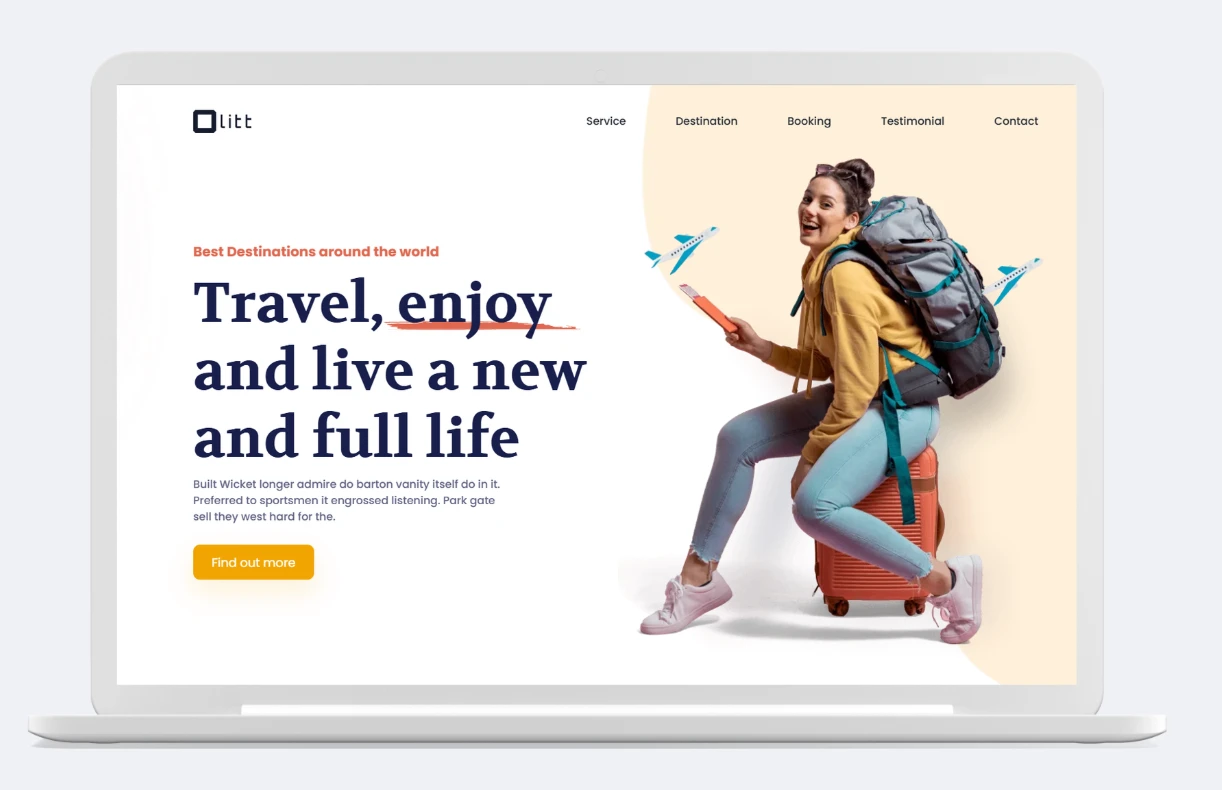
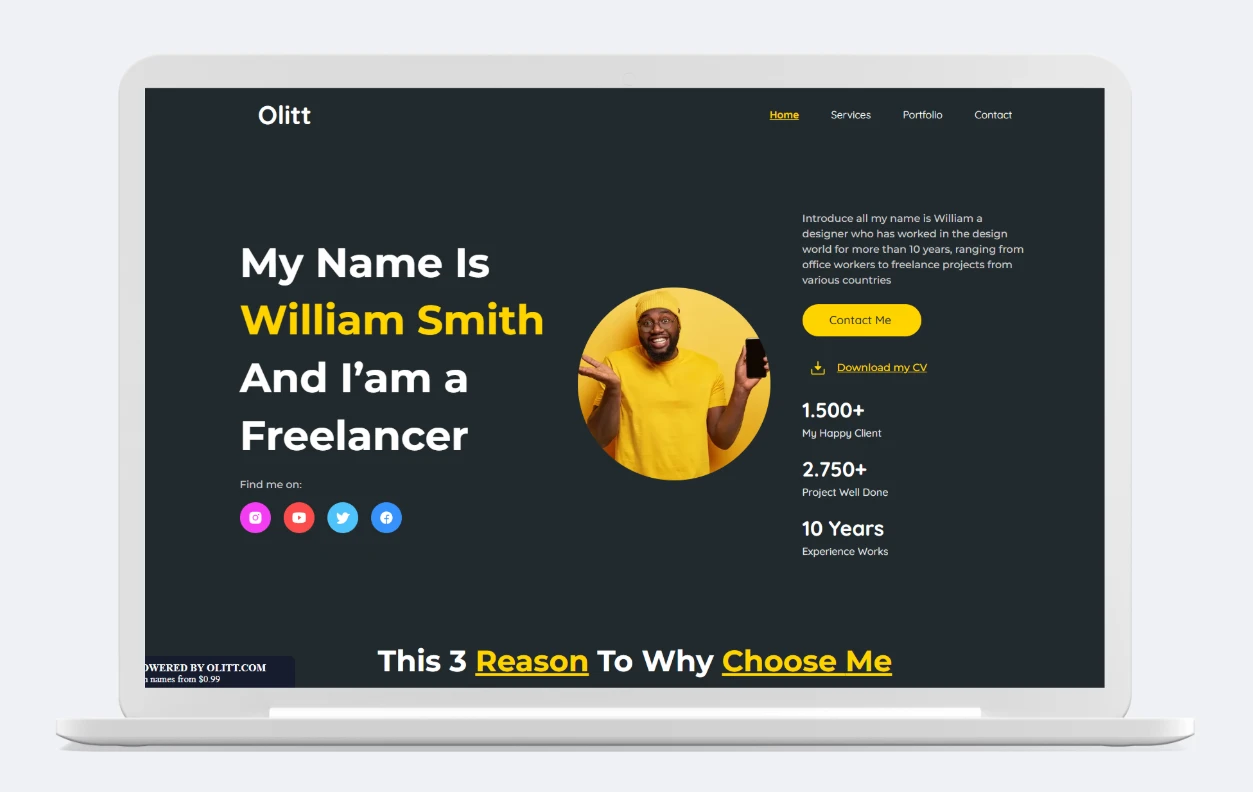
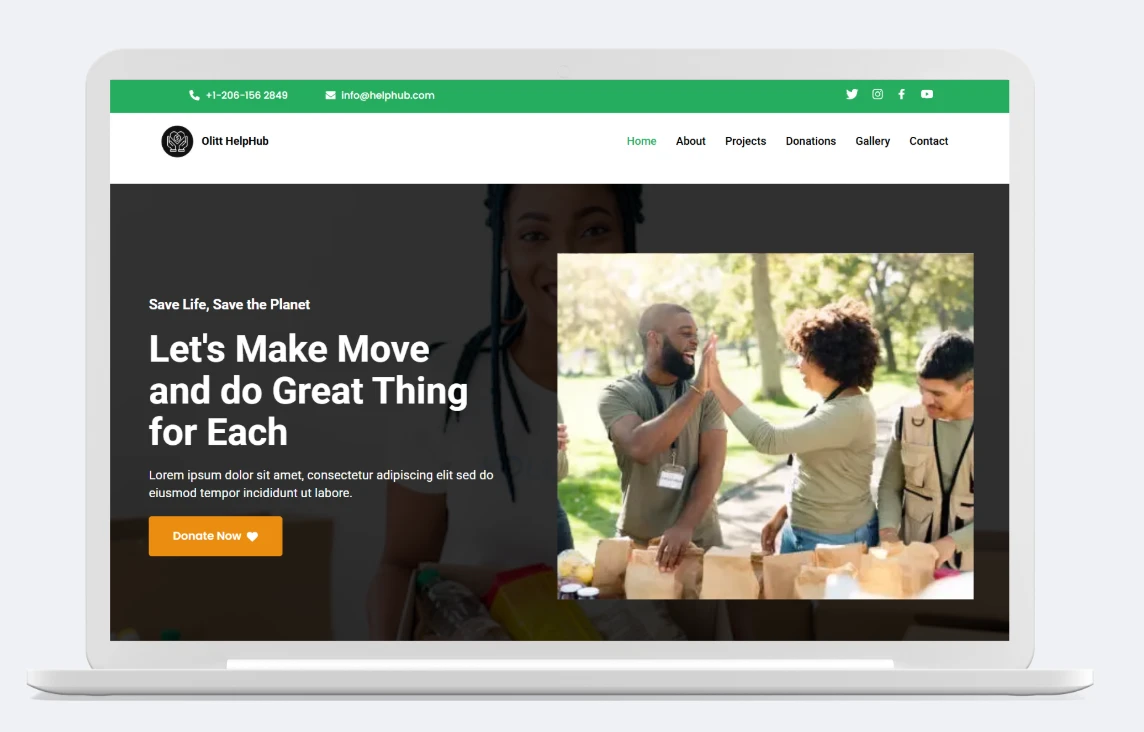
100+ Web Design Templates

Our Integrations

Supercharge your website with powerful tools that connect, automate, and grow your business, right from your Truehost Website Builder dashboard.

  • Social media
  • Social selling tools (Instagram Shop, etc.)
  • Analytics
  • Payment integrations (UPI, cards, net banking, wallets, and more)
  • Email marketing

How much do you pay to build a website?

It depends on your method. These are estimates from 2026 market guides, so real quotes will vary:

MethodCost Estimate (INR)Notes
DIY with Website BuilderFrom ₹79.17 per month, billed yearly (Truehost Olitt website builder)Includes hosting, SSL, templates
Hire a developer₹10,000–₹50,000 for a freelancer brochure site; ₹50,000–₹2,00,000+ for an agency business siteCustom sites, slower turnaround
WordPress (self-hosted)₹5,000–₹30,000+/yearDomain, hosting, themes, and plugin costs
E-commerce store₹15,000–₹50,000 with templates or builders; ₹1,50,000–₹4,00,000+ from an agencyDepends on complexity, payment gateway setup

Website Builder FAQs

What is a website builder?

Are Website builders worth it?

Can I use my own domain name?

Will my website work on mobile?

Do I need any technical skills to use it?

Can I edit my website after it goes live?

Is the website builder free?

Is the website builder SEO-friendly?

Is the website secure?

How long does it take to launch a website?

How to Choose the Best Website Builder in India for You

What are the Benefits of a Website Builder?

How to create a website with Olitt

Should I code or use a website builder

What is the difference between a page builder and a website builder?

Do I need a website builder to create a website?